From idea to verified pull request.
Scrum4Me is a Scrum workspace where AI agents do the building and you keep the say. An idea is challenged, planned, put in a sprint, built by agents and checked before it reaches your repository.
Demo login: username demo · password demo1234
Beta · desktop-first (1024px+) · accounts and data may be reset during this phase.
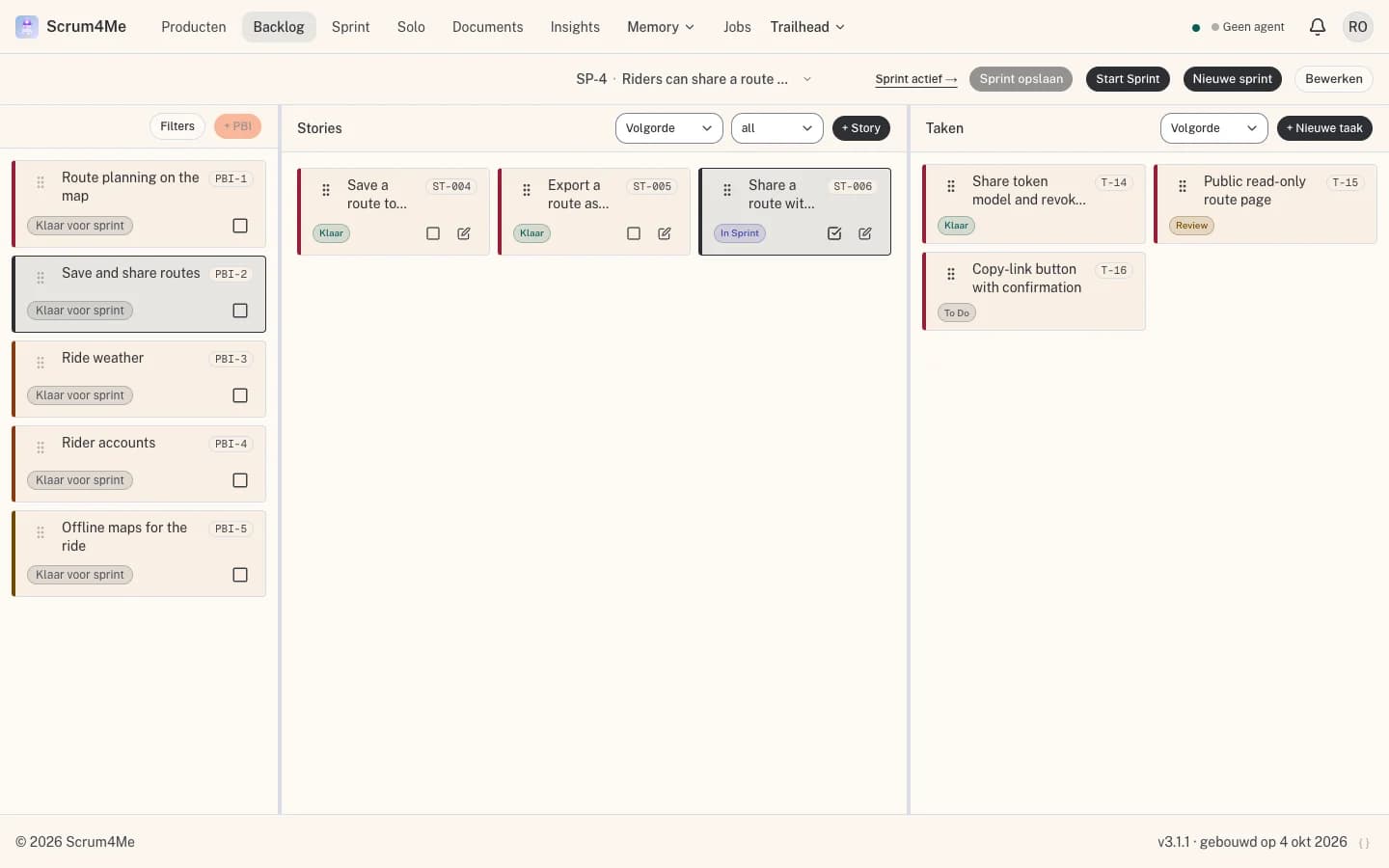
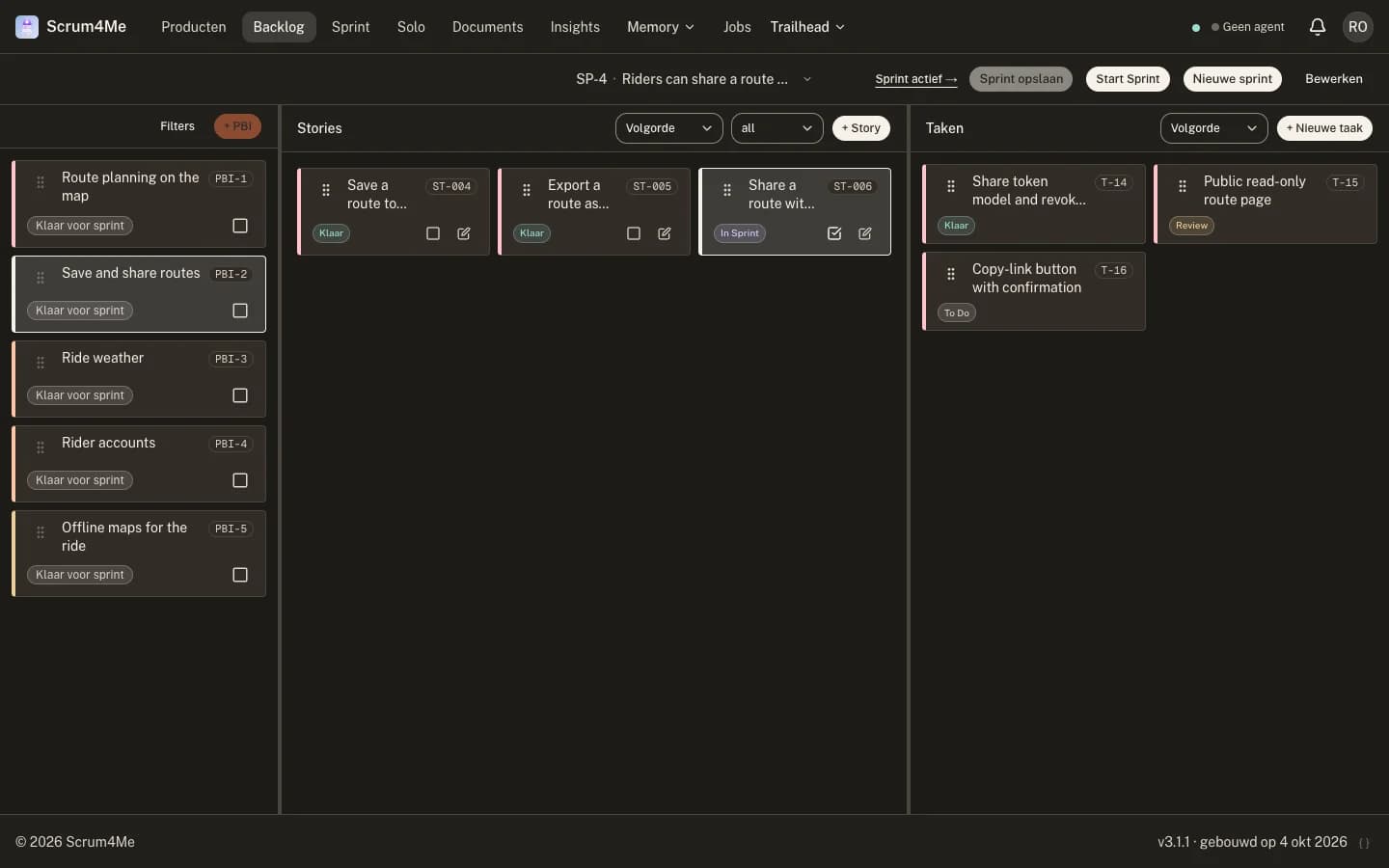
Scrum4Me is built with Scrum4Me
- sprints closed
- 145
- tasks done
- 1,788
- agent jobs completed
- 805
- pull requests merged
- 316
- product docs
- 315
These numbers come from the backlog and repository of Scrum4Me itself. As of: October 4, 2026.
One pipeline, five visible steps
Every step leaves something you can open and read: an idea, a plan, a sprint, a job log, a pull request.
- 1
Idea
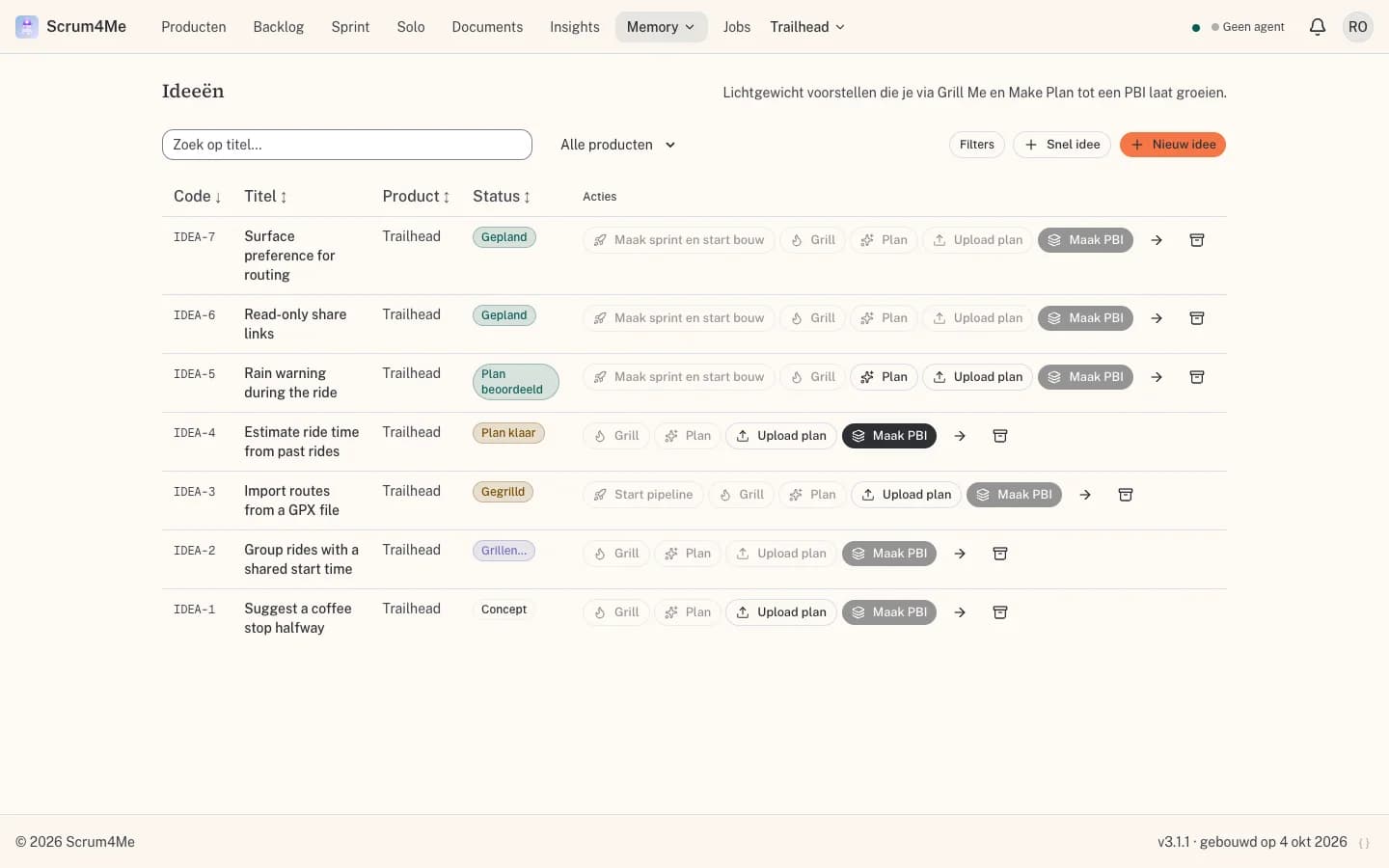
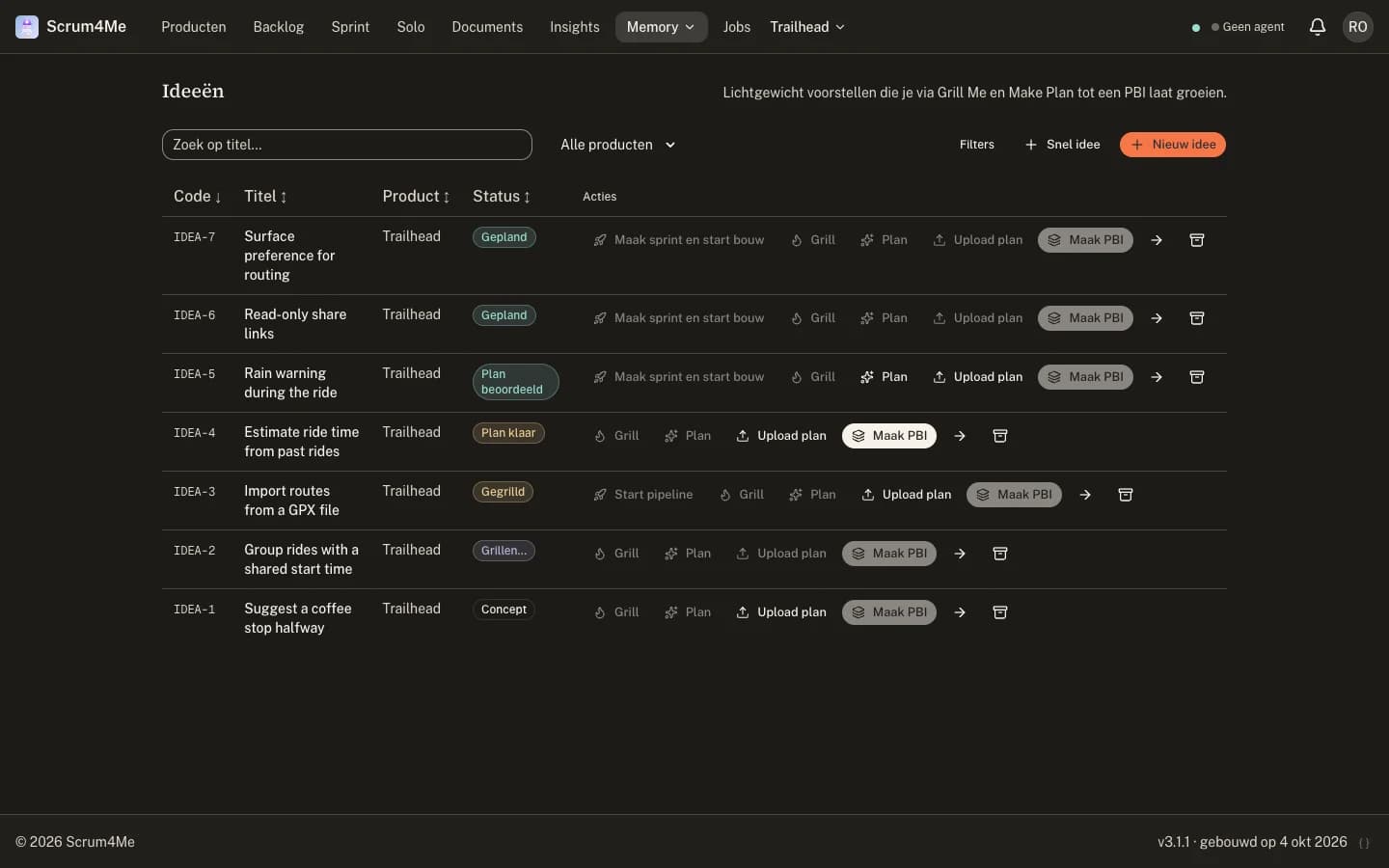
Write down what you want in a paragraph. The idea gets a code and a status and becomes the first traceable input.
- 2
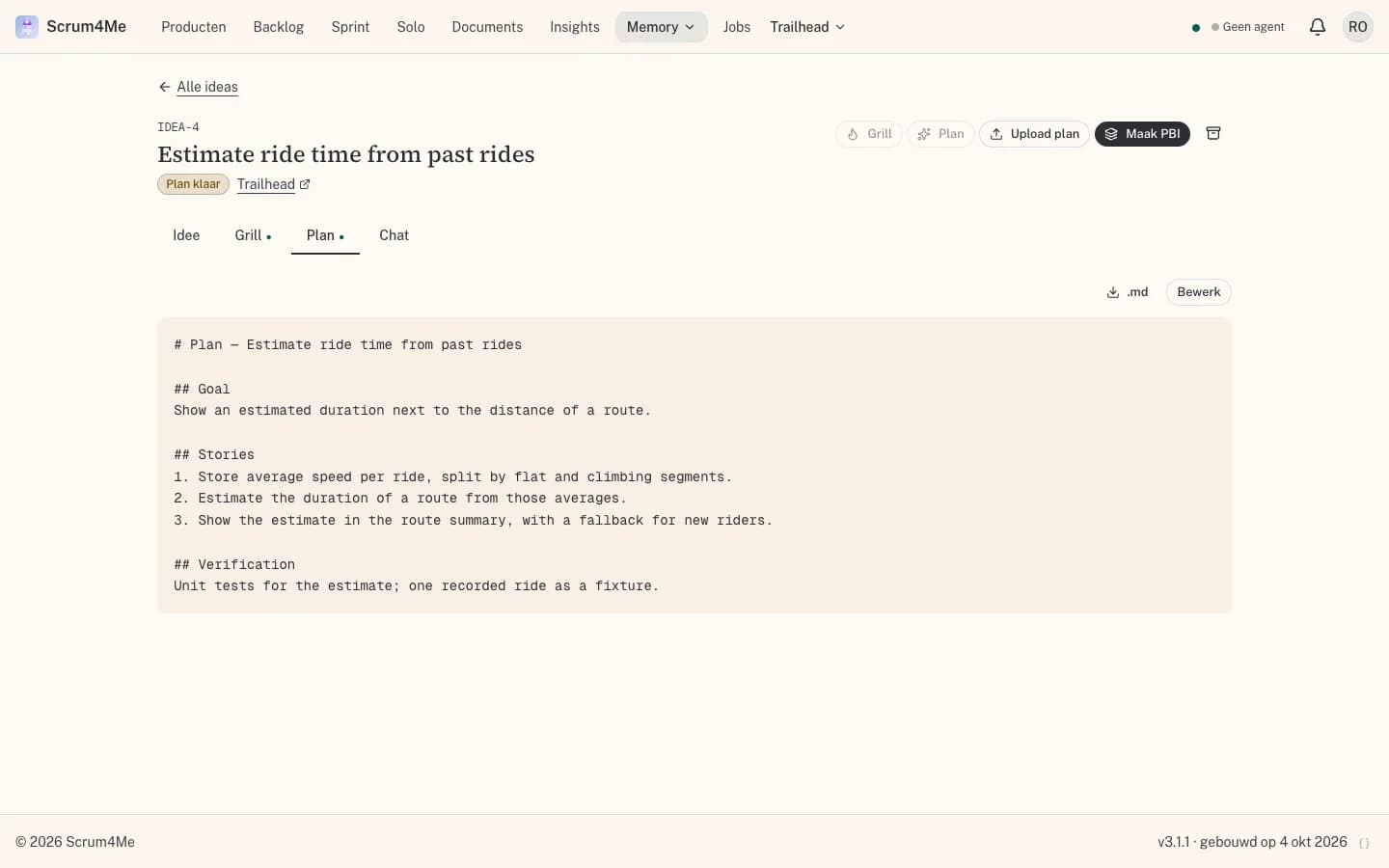
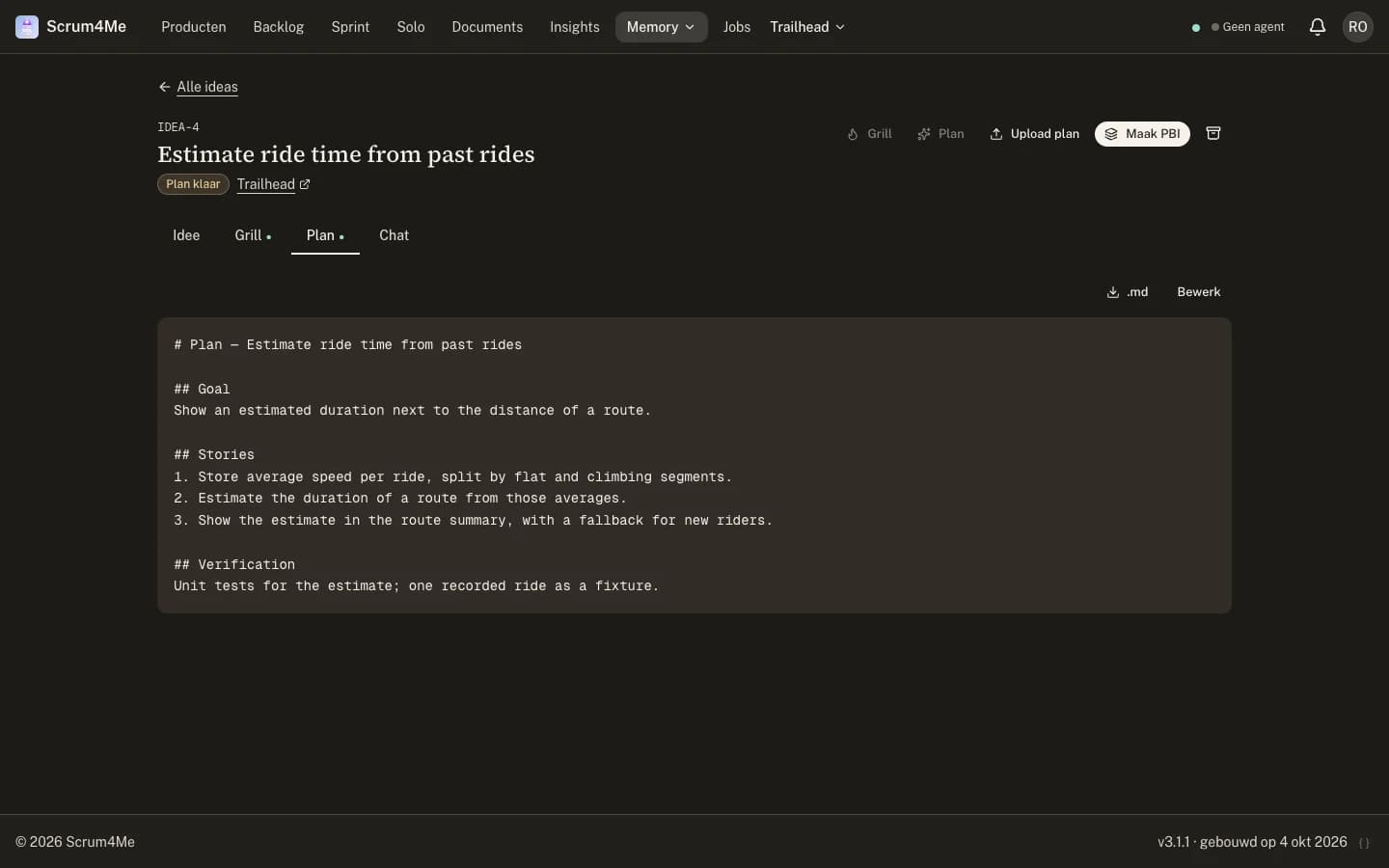
Grill + Plan
An agent questions the idea until the gaps are closed, then writes a plan. A second model reviews that plan before anything is built.
- 3
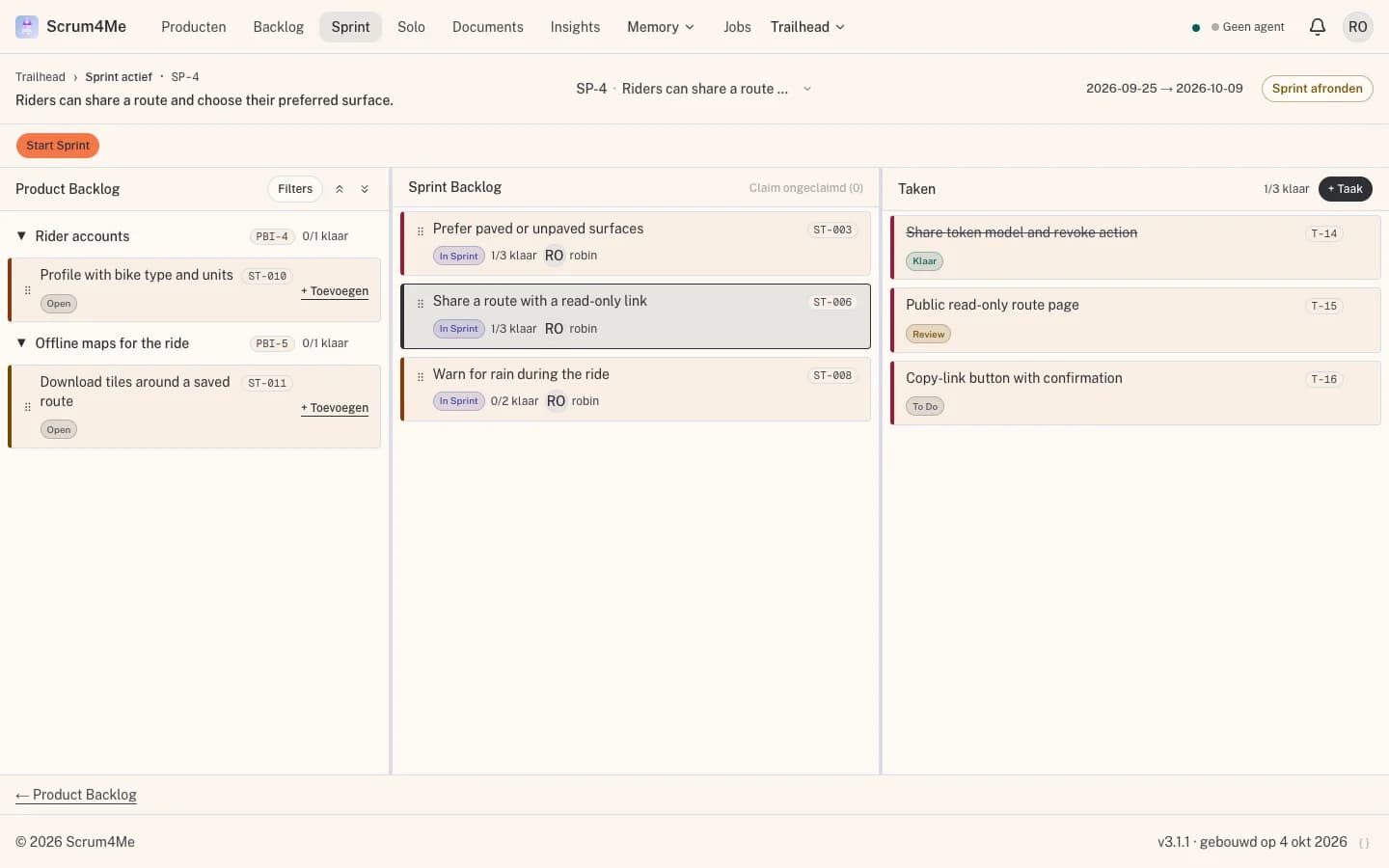
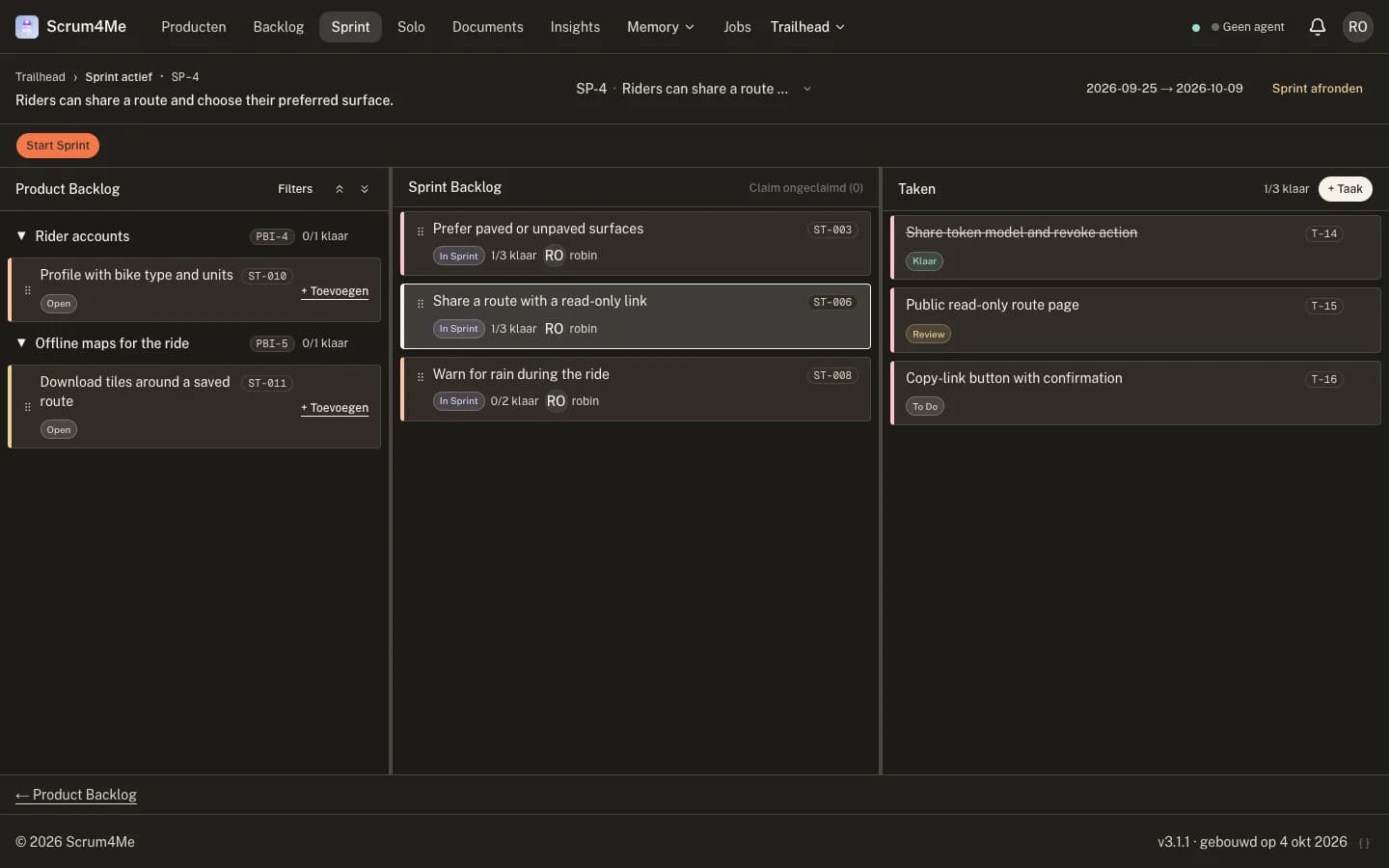
Sprint
An approved plan becomes one PBI with stories and tasks, placed in a sprint with a goal. Nothing runs until you start it.
- 4
Agent run
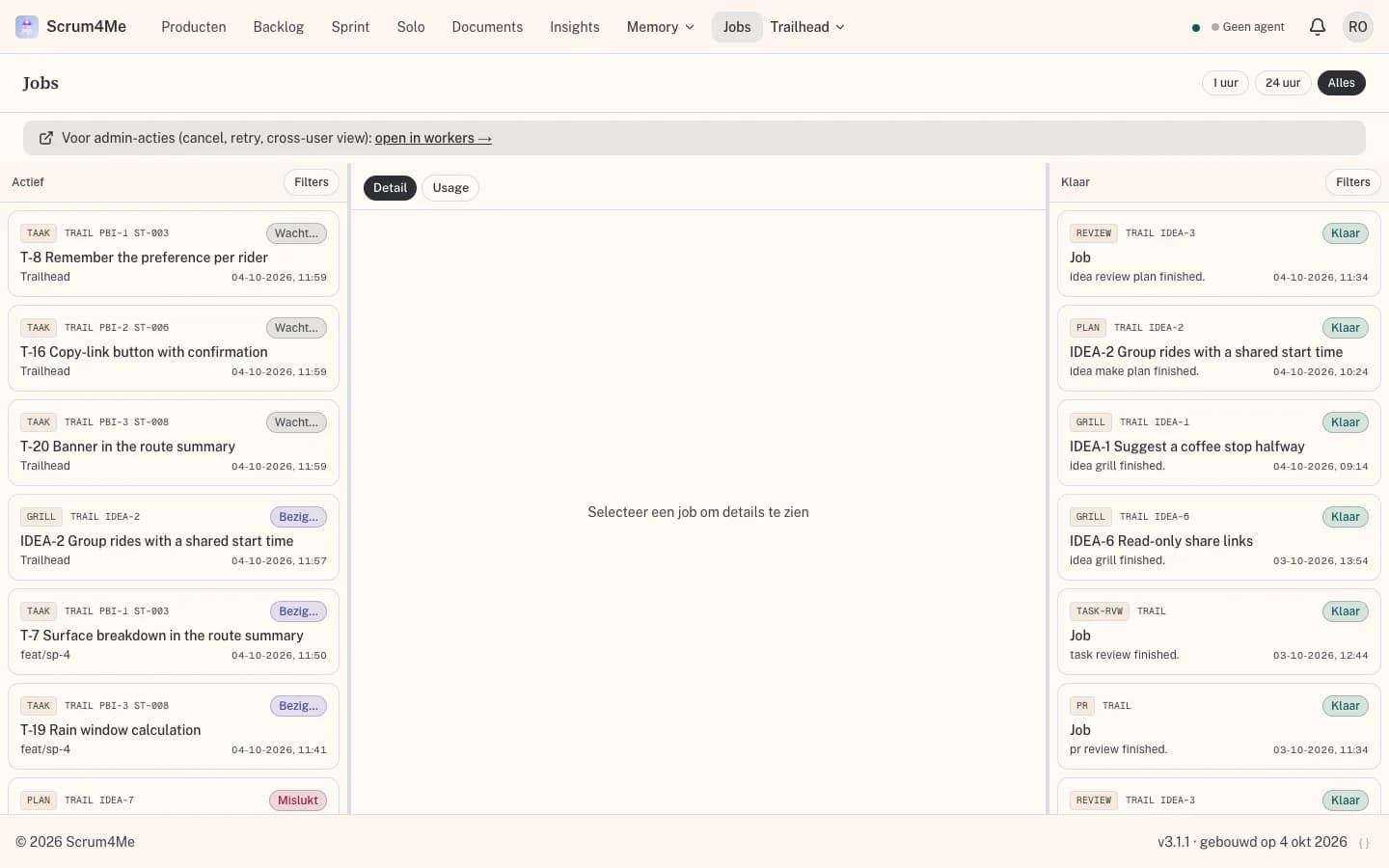
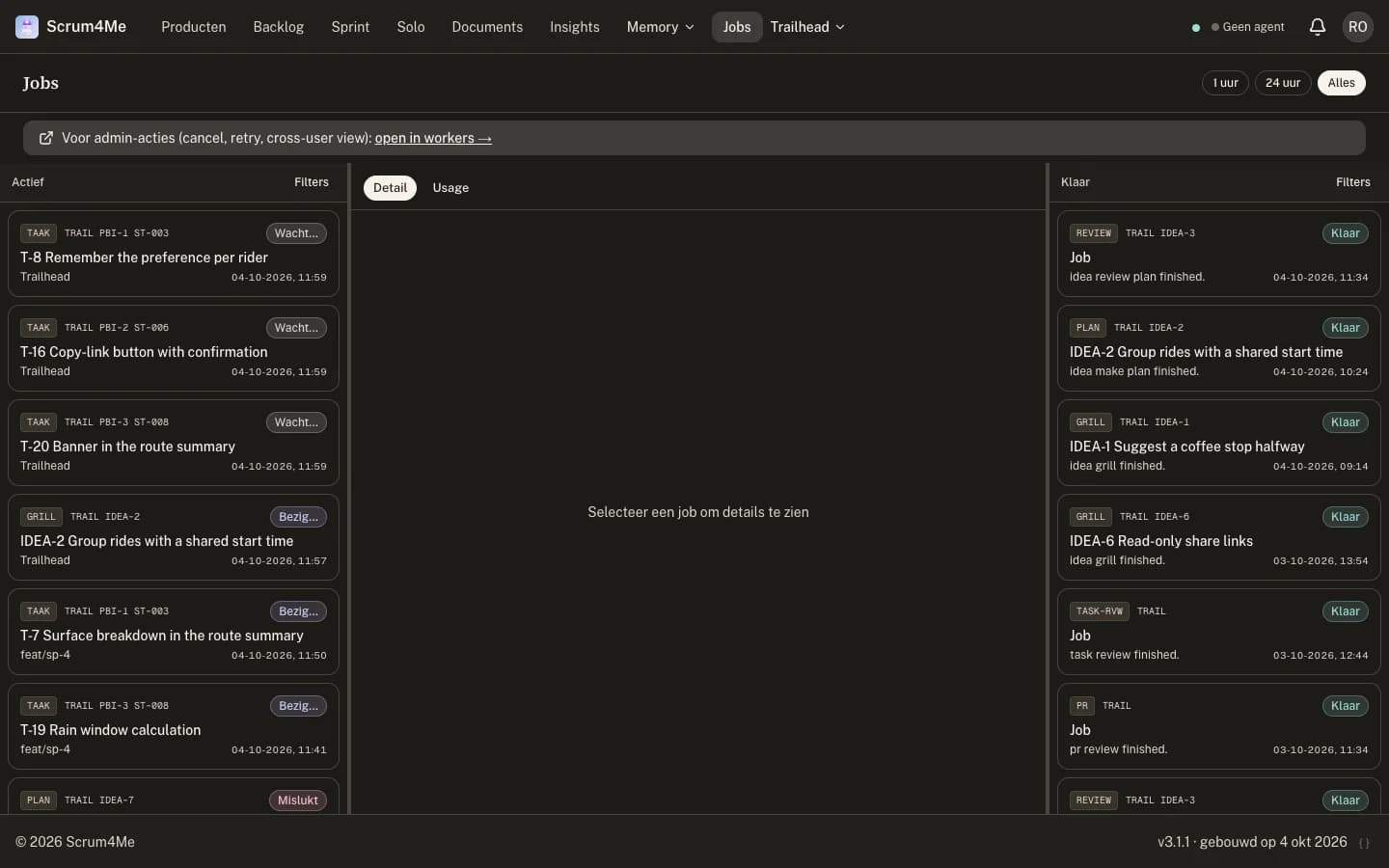
A worker claims the job, works in an isolated copy of your repository and reports each step, test and commit back.
- 5
Verified result
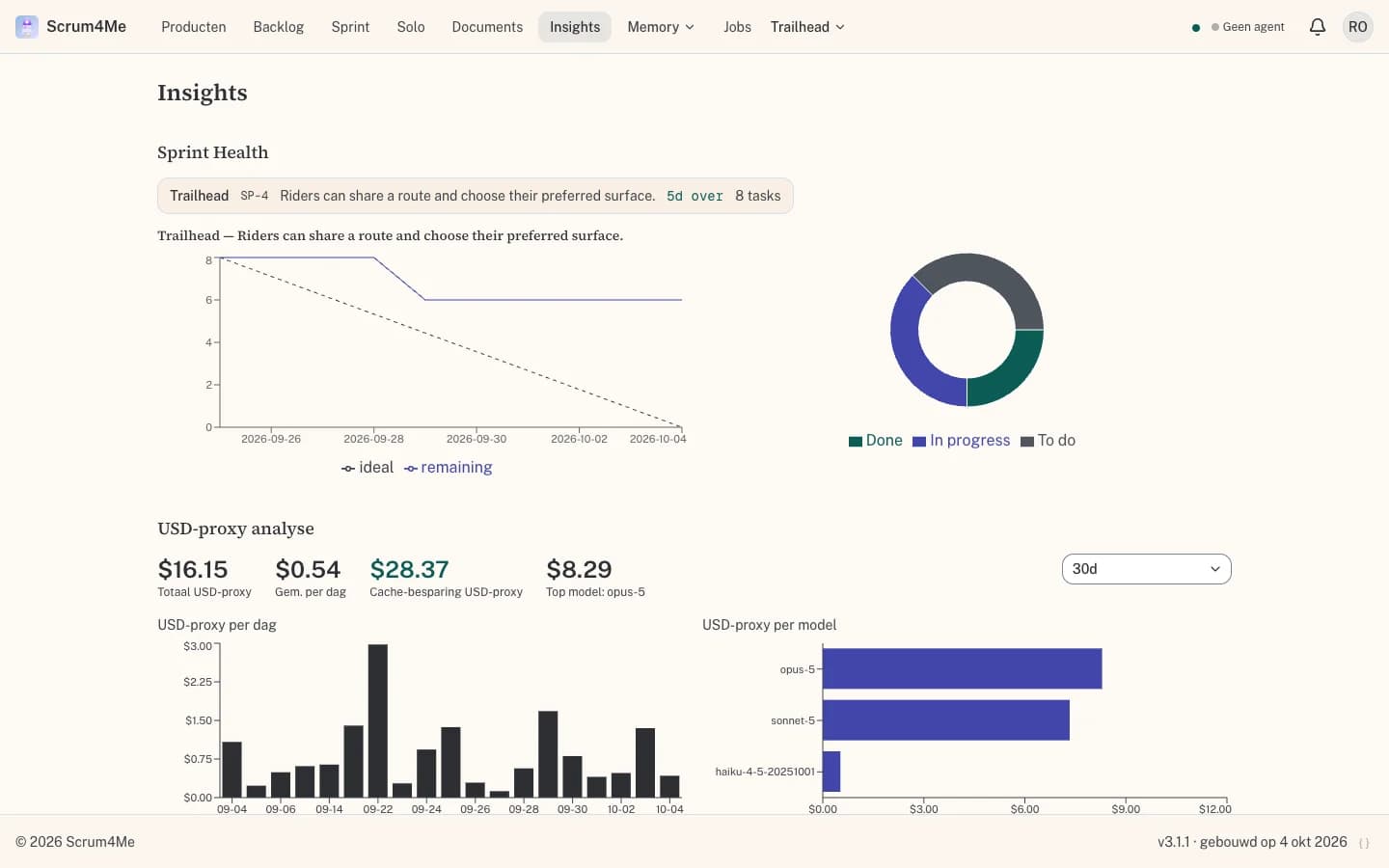
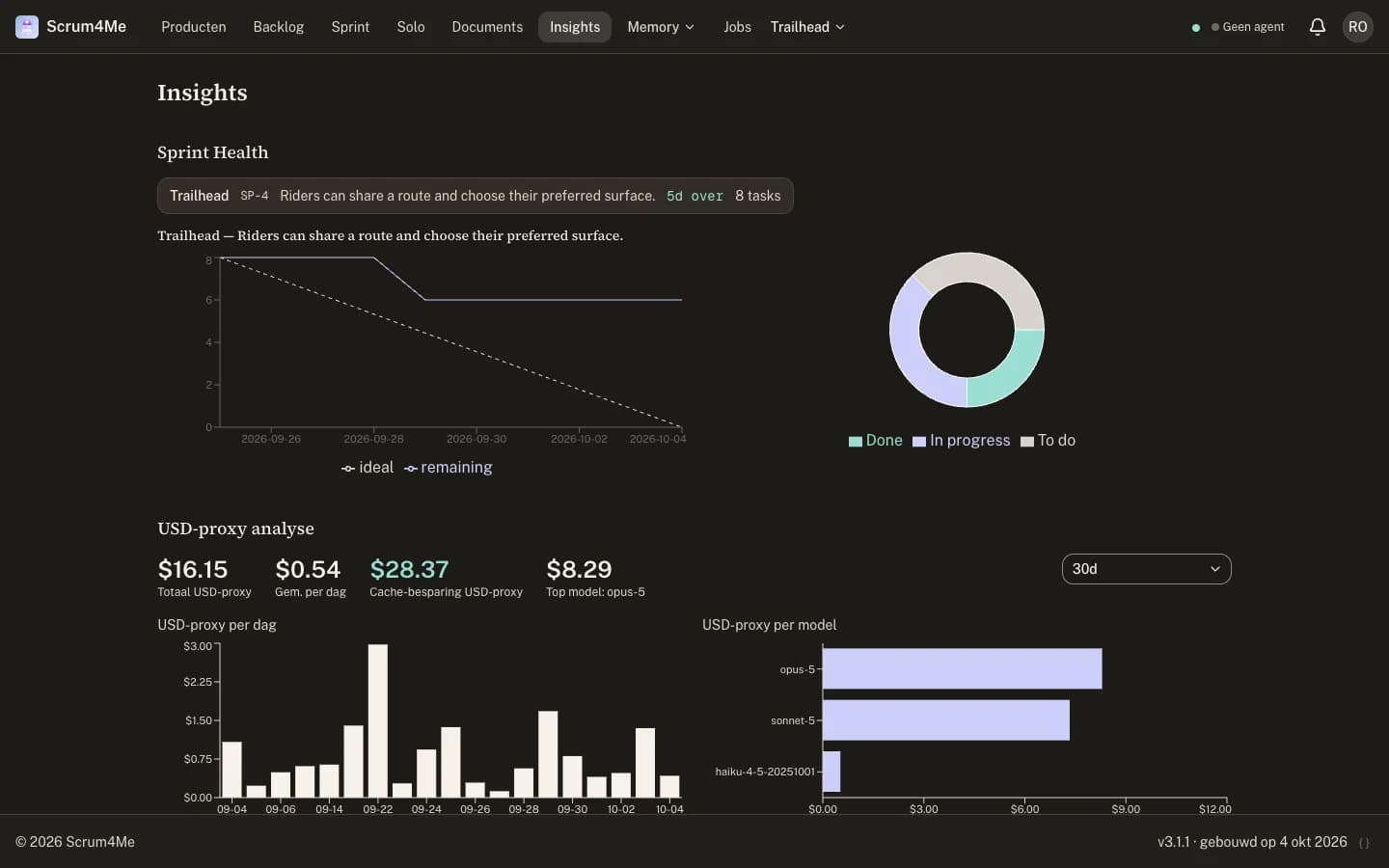
The work arrives as a pull request with its plan, test results and commits attached. Insights shows what was delivered and what it cost.
You stay in control
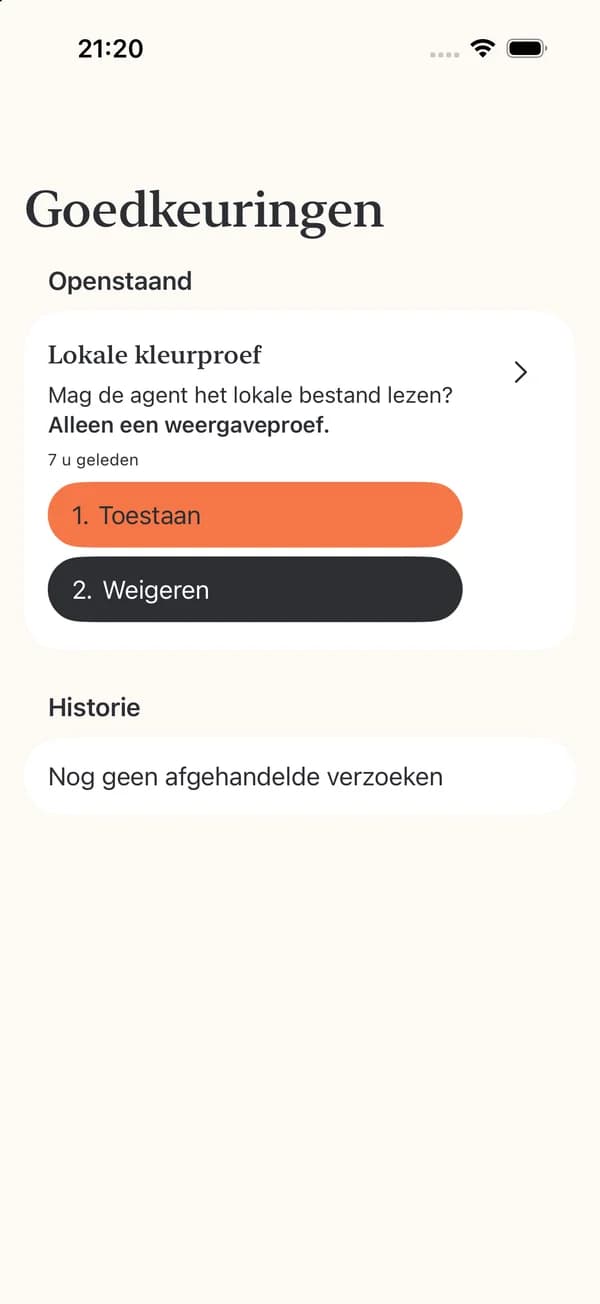
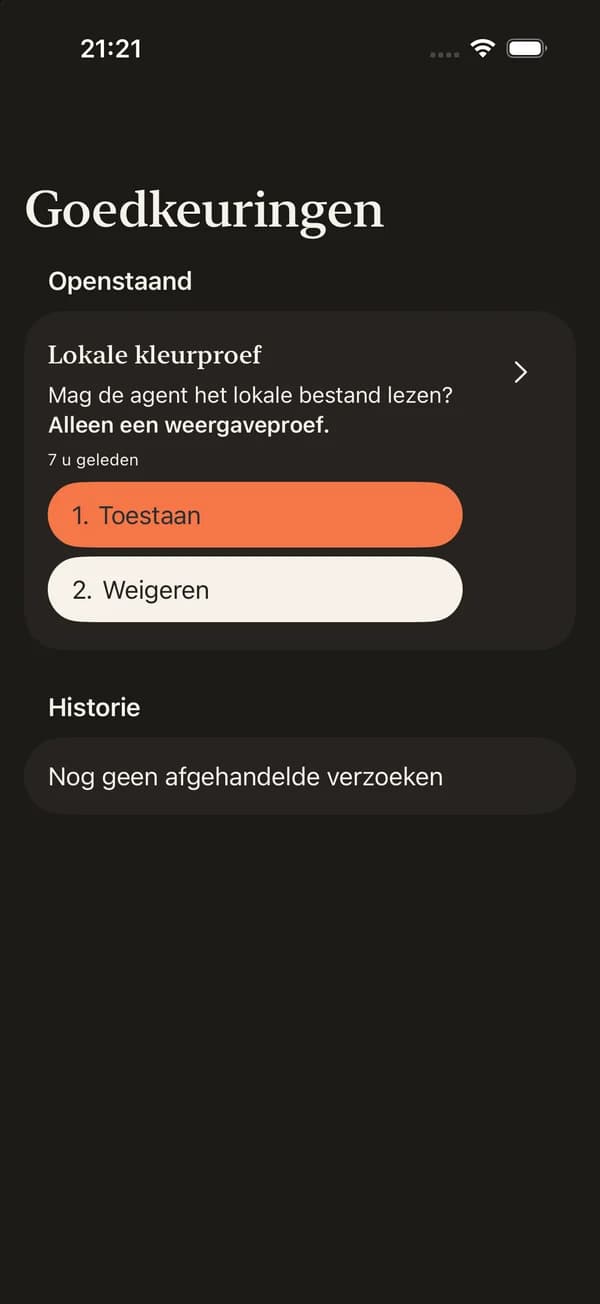
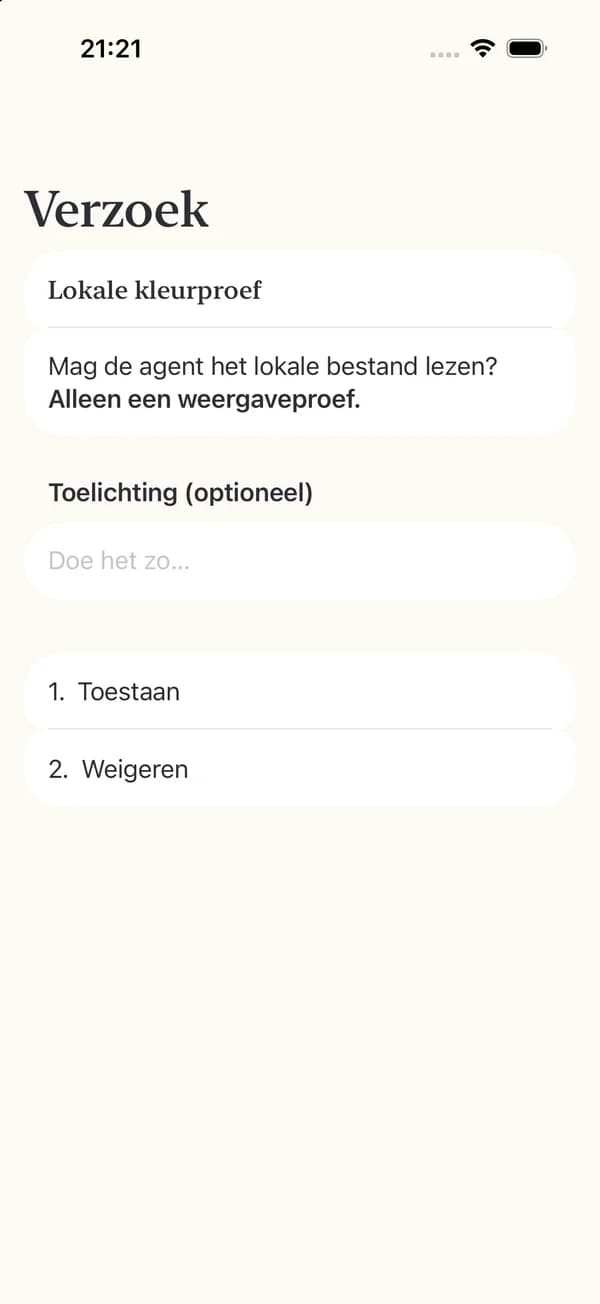
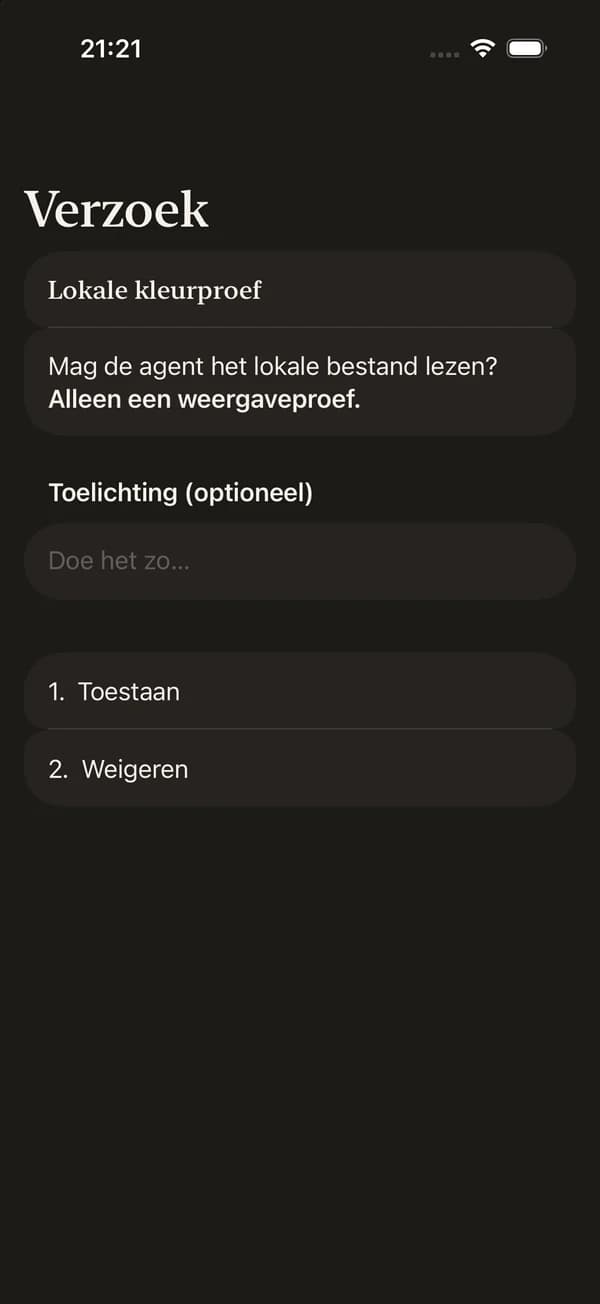
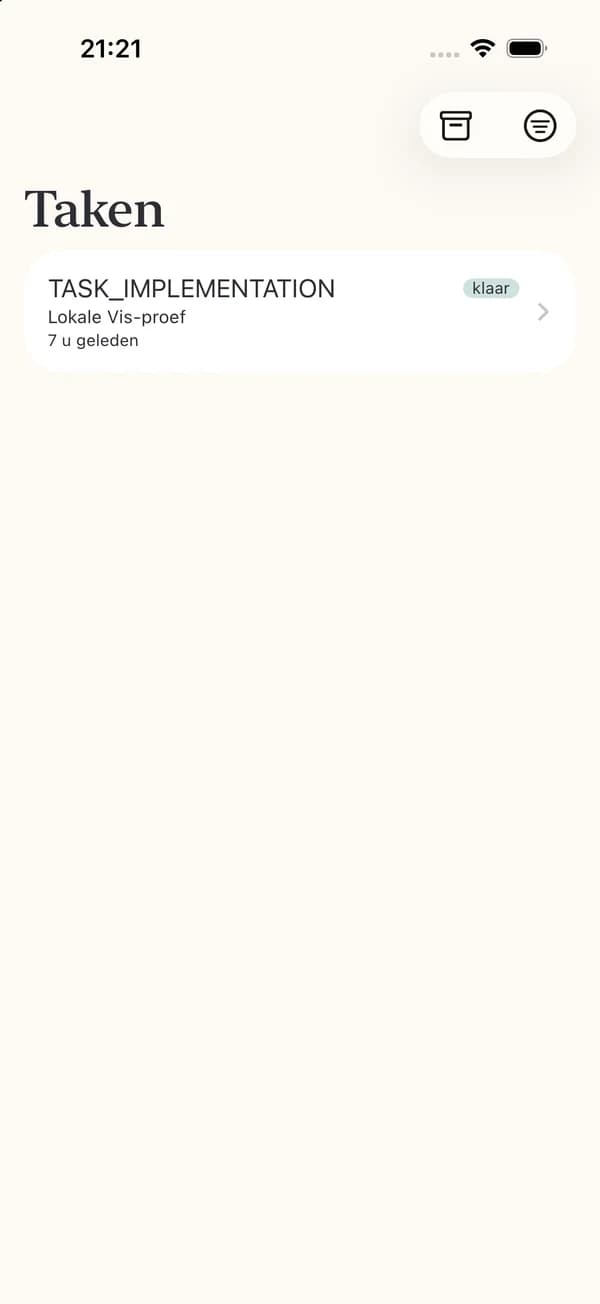
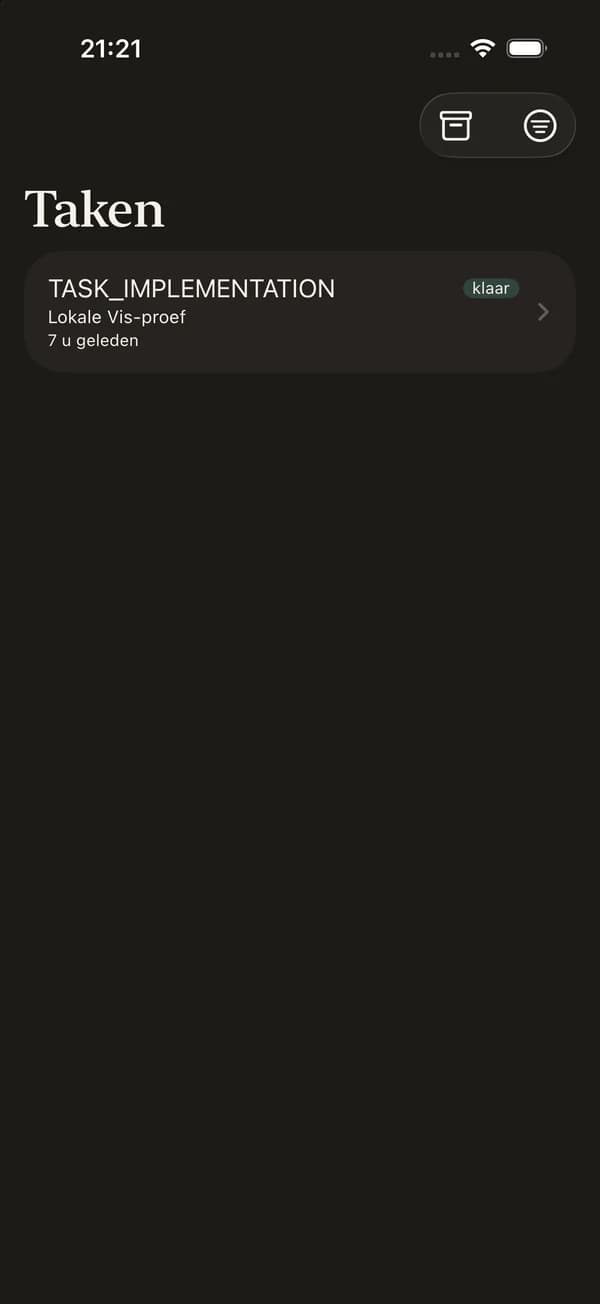
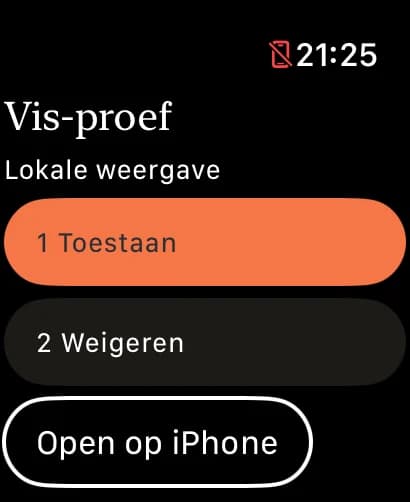
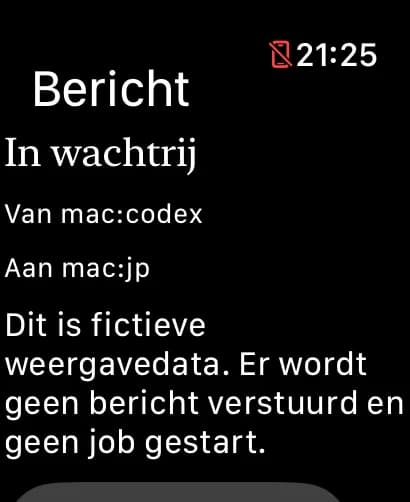
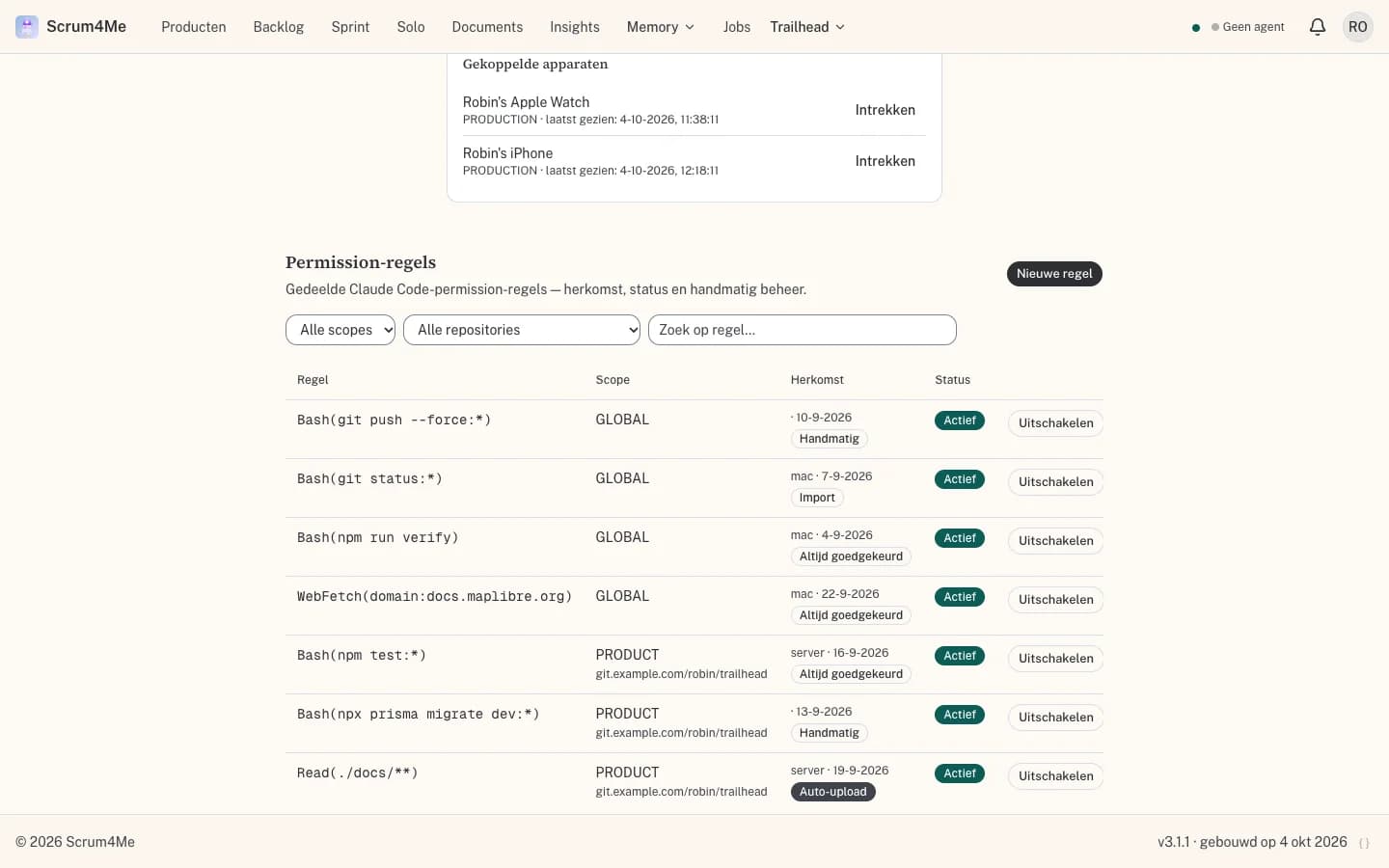
Agents ask before they act. Permission requests and questions reach your iPhone and Apple Watch, so a run does not wait until you are back at your desk.
Approve from your wrist
Allow or deny a request straight from the notification on your Watch or iPhone.
Rules instead of repeated questions
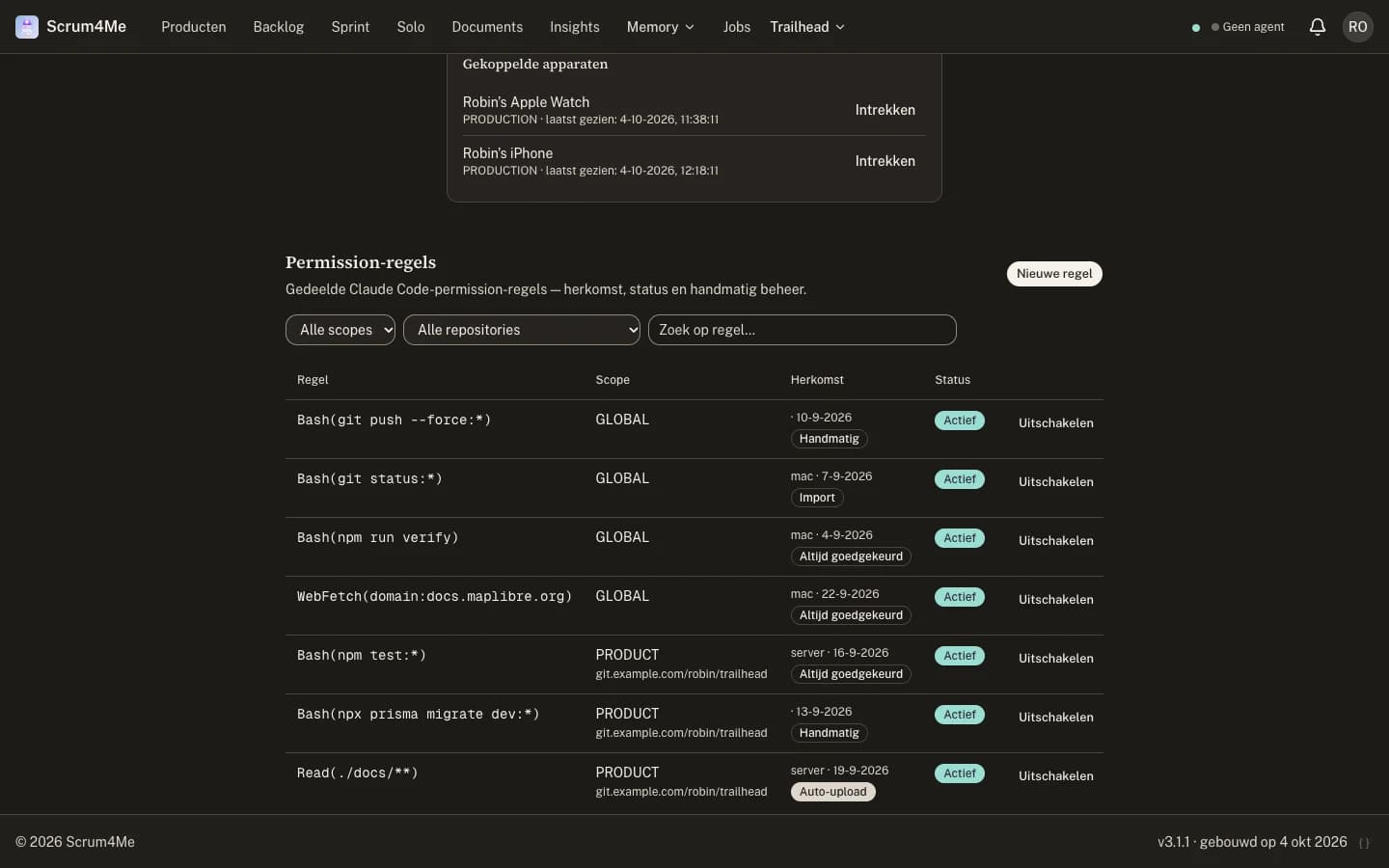
Turn a recurring approval into a shared permission rule, for one product or for everything.
Questions wait for you
When an agent needs a decision it asks, and continues as soon as you answer.
Within your standards
Agents work from what you have written down, not from guesses.
Product docs with revisions
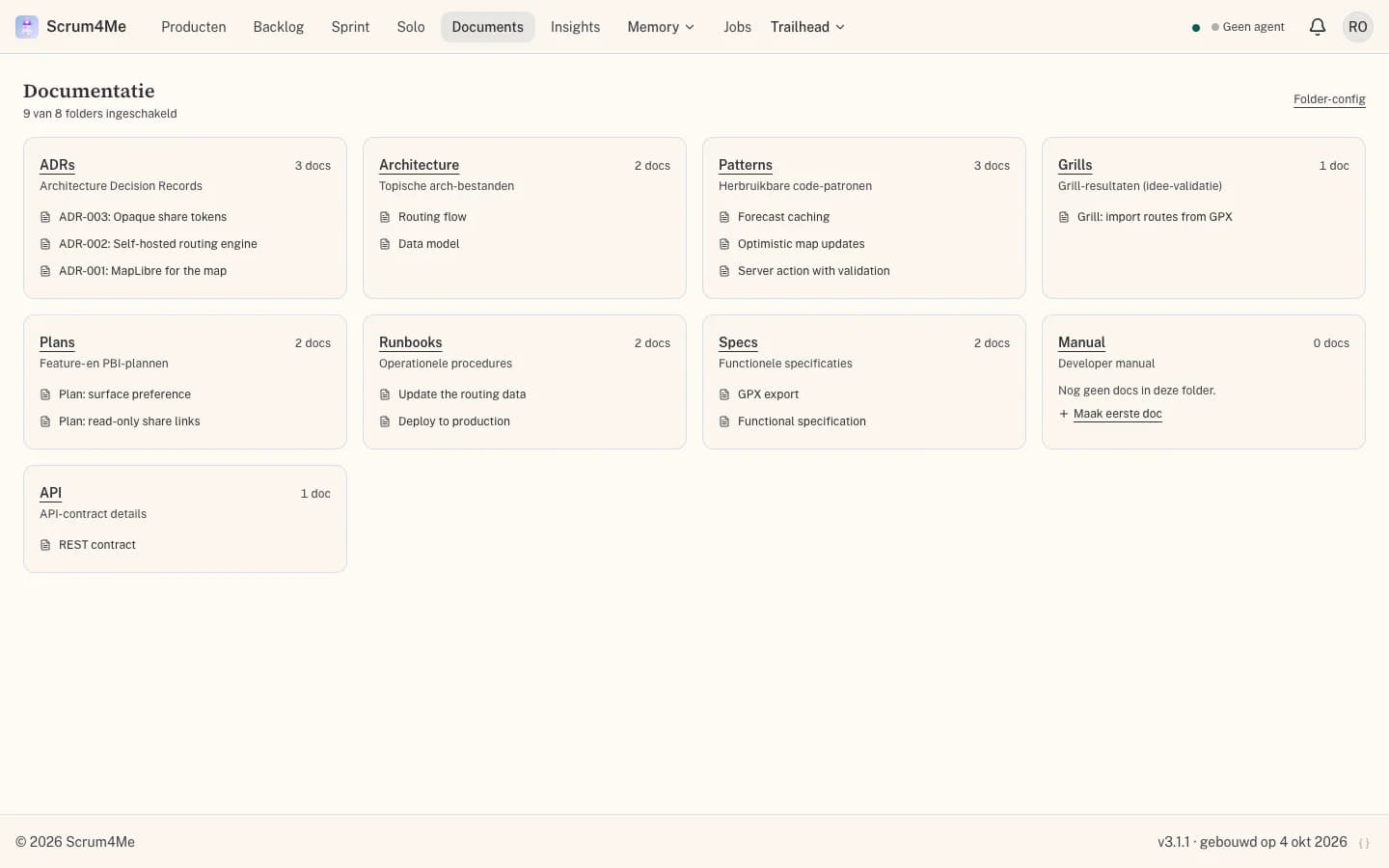
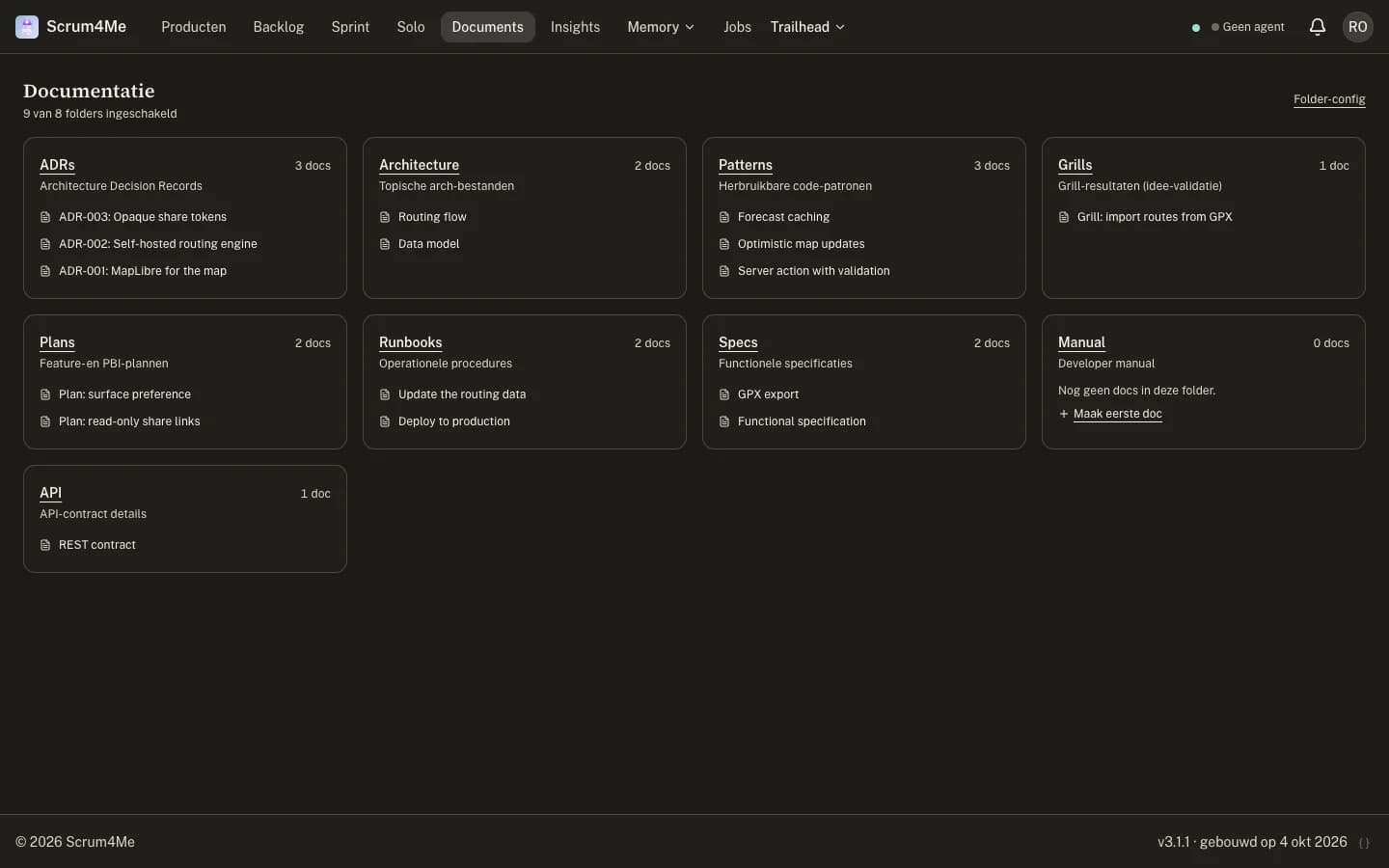
Architecture, patterns and runbooks live with the product. Agents search them before they build, and every change keeps its earlier versions.
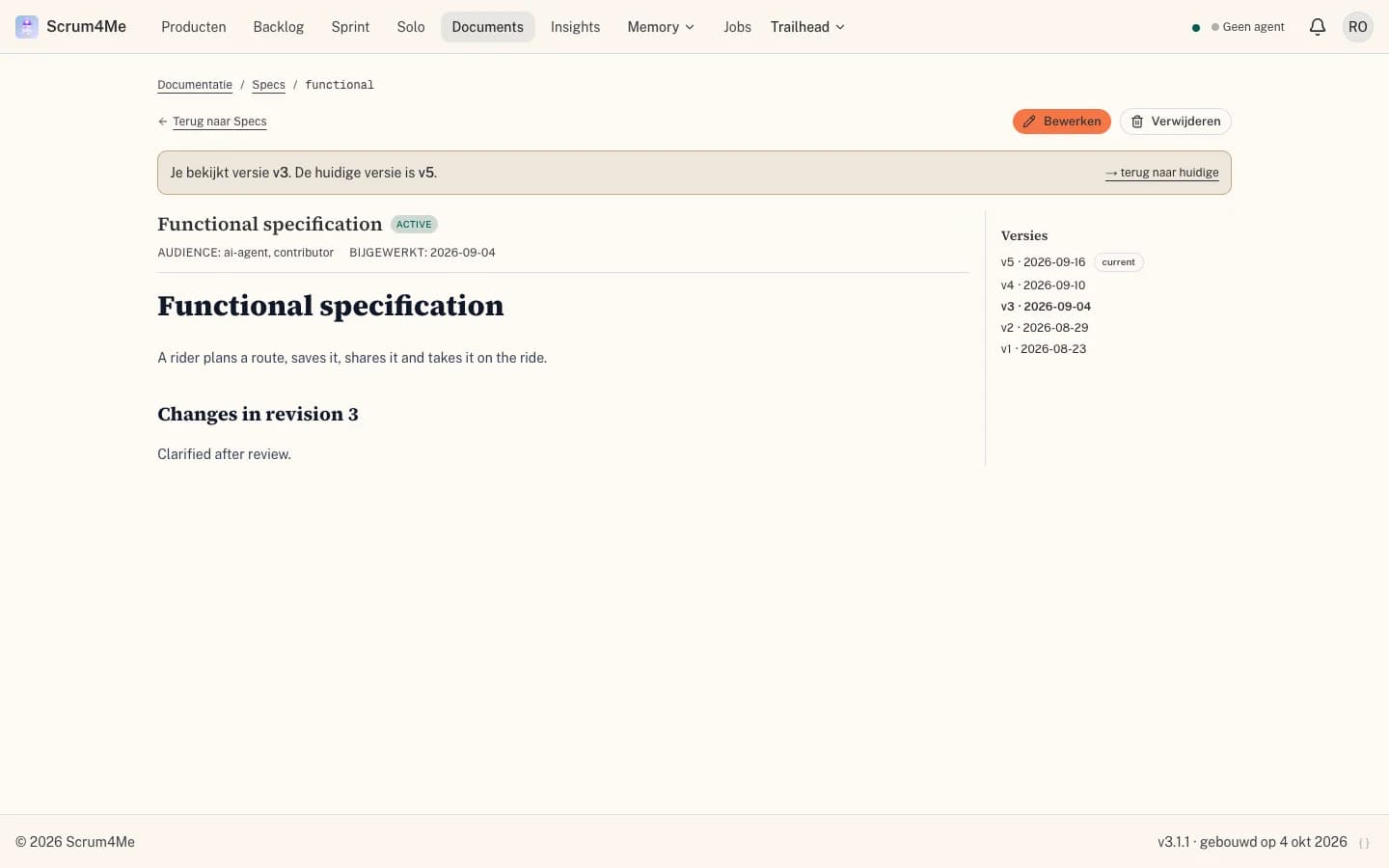
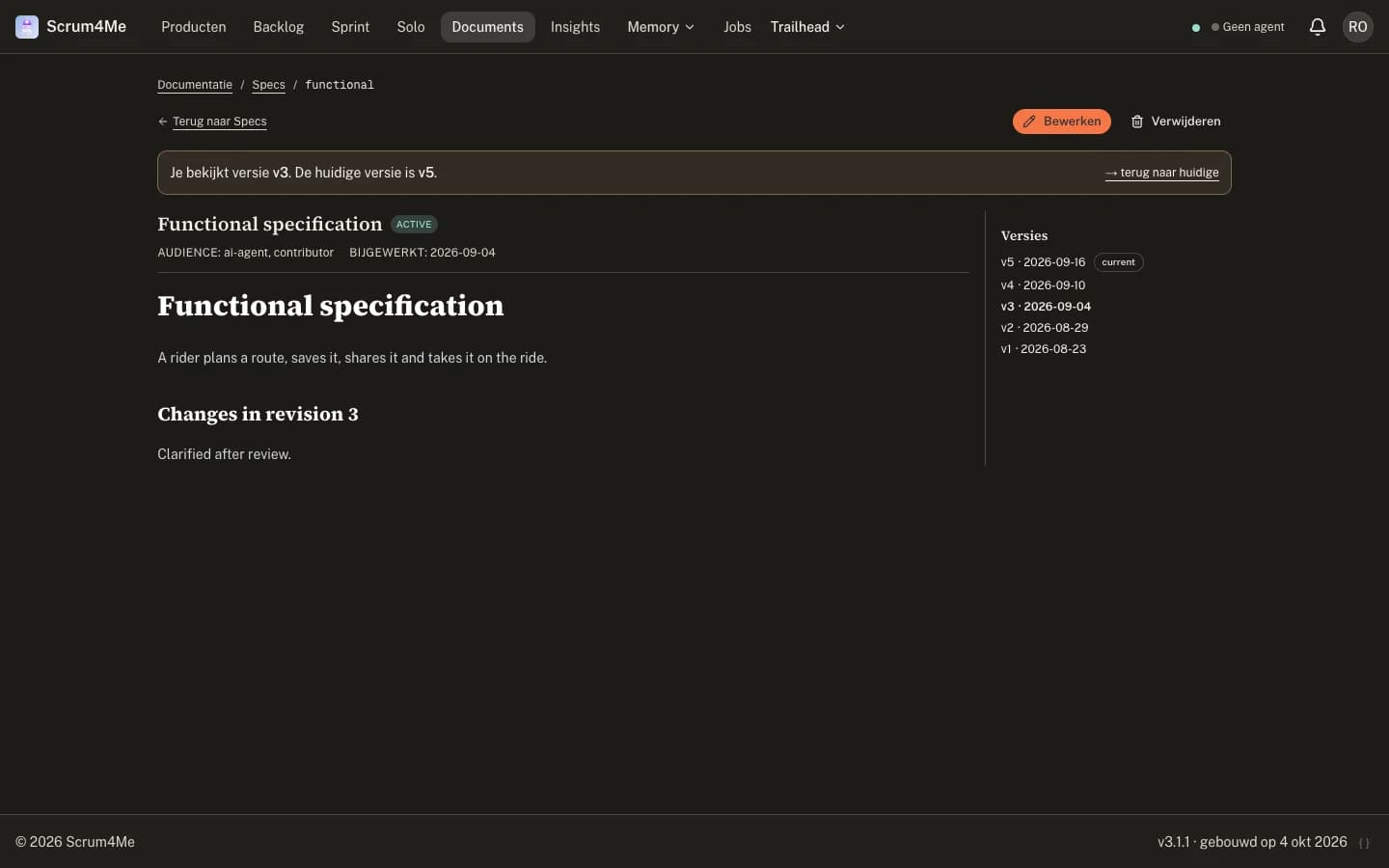
Definition of Done
Each product carries its own Definition of Done, and work is checked against its plan before it counts as done.
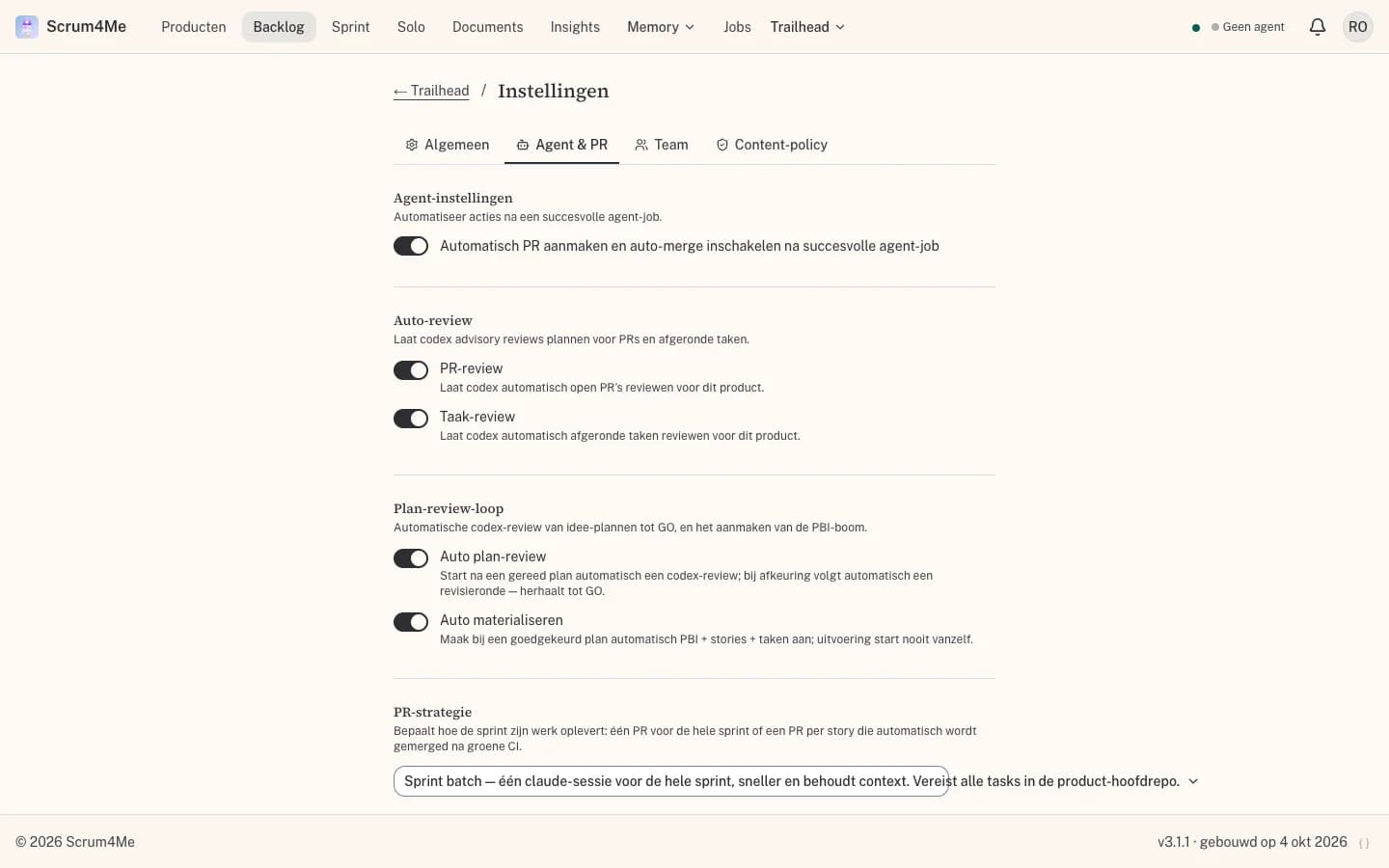
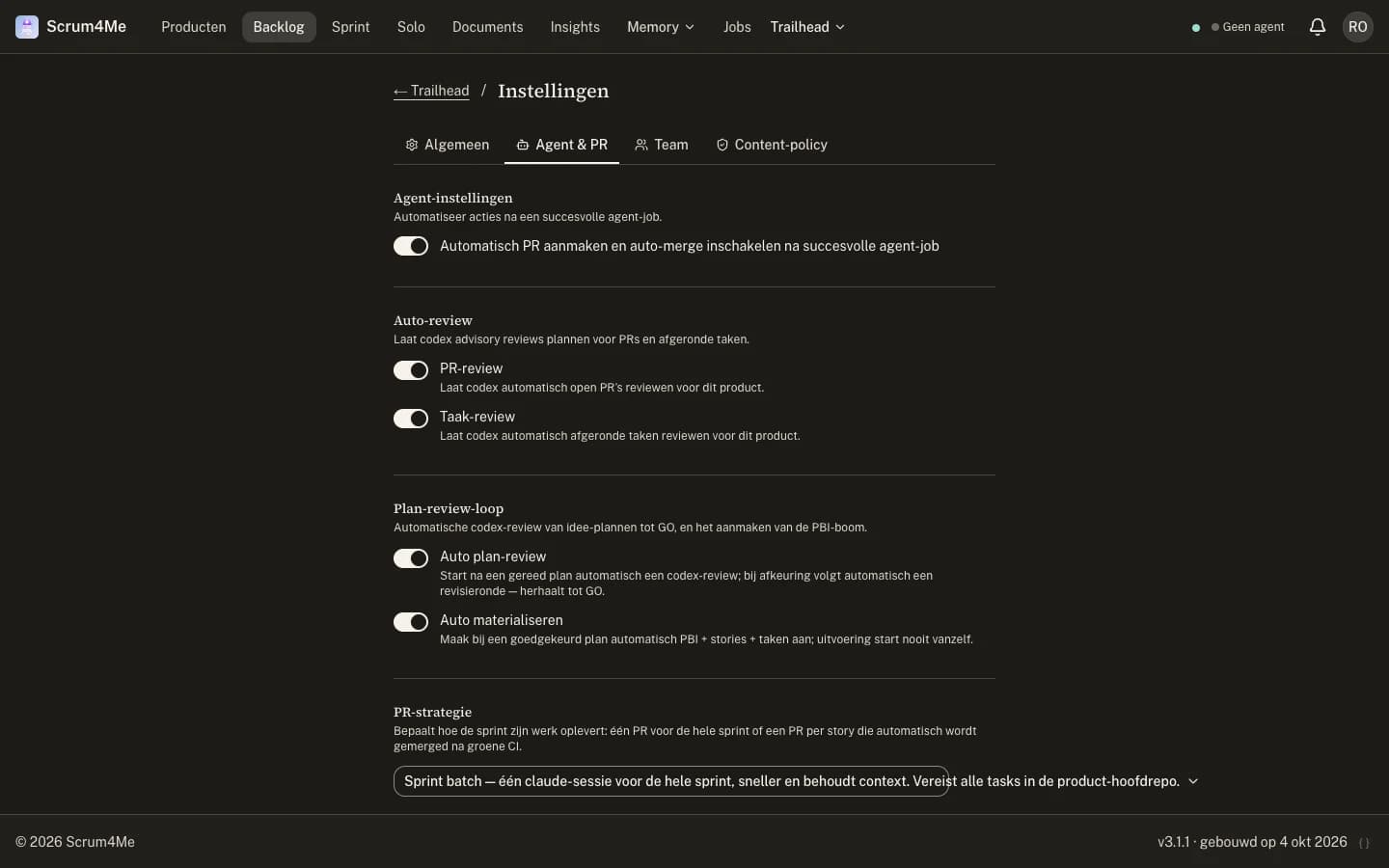
Agent settings per product
Decide per product whether pull requests open and merge automatically, which reviews run and how a sprint delivers its work.
Around the sprint
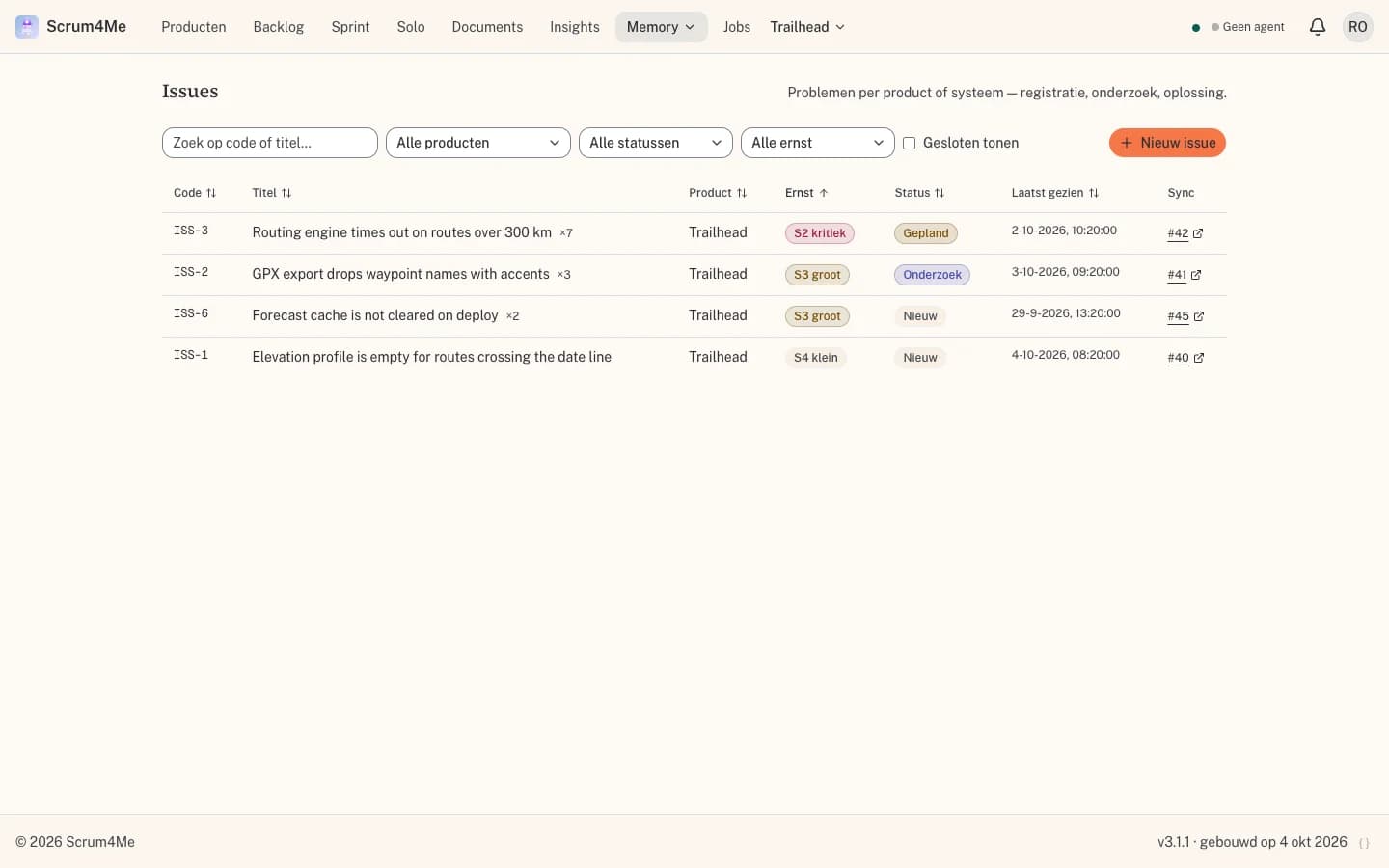
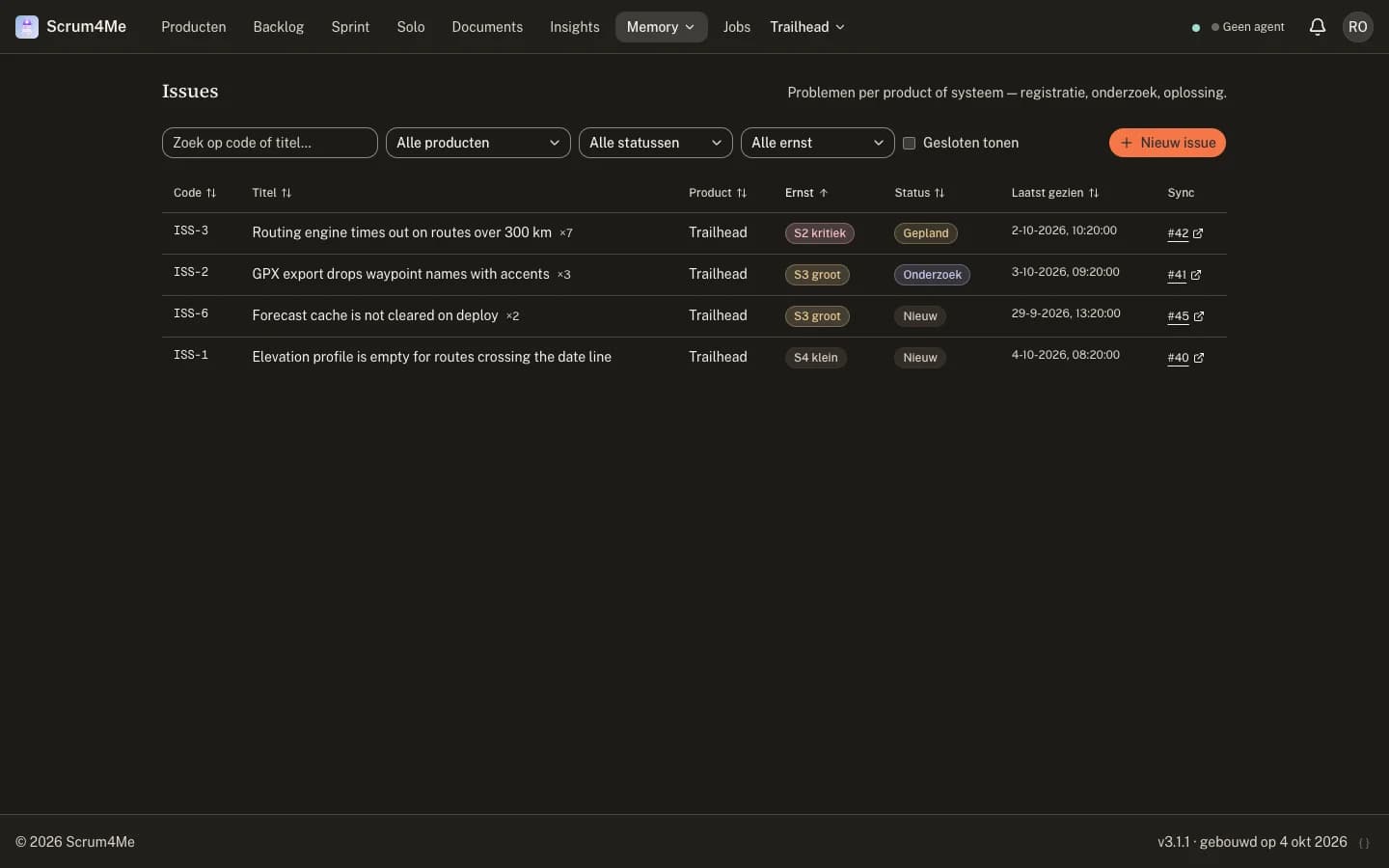
Issues
Problems per product or system, with severity, research notes and resolution.
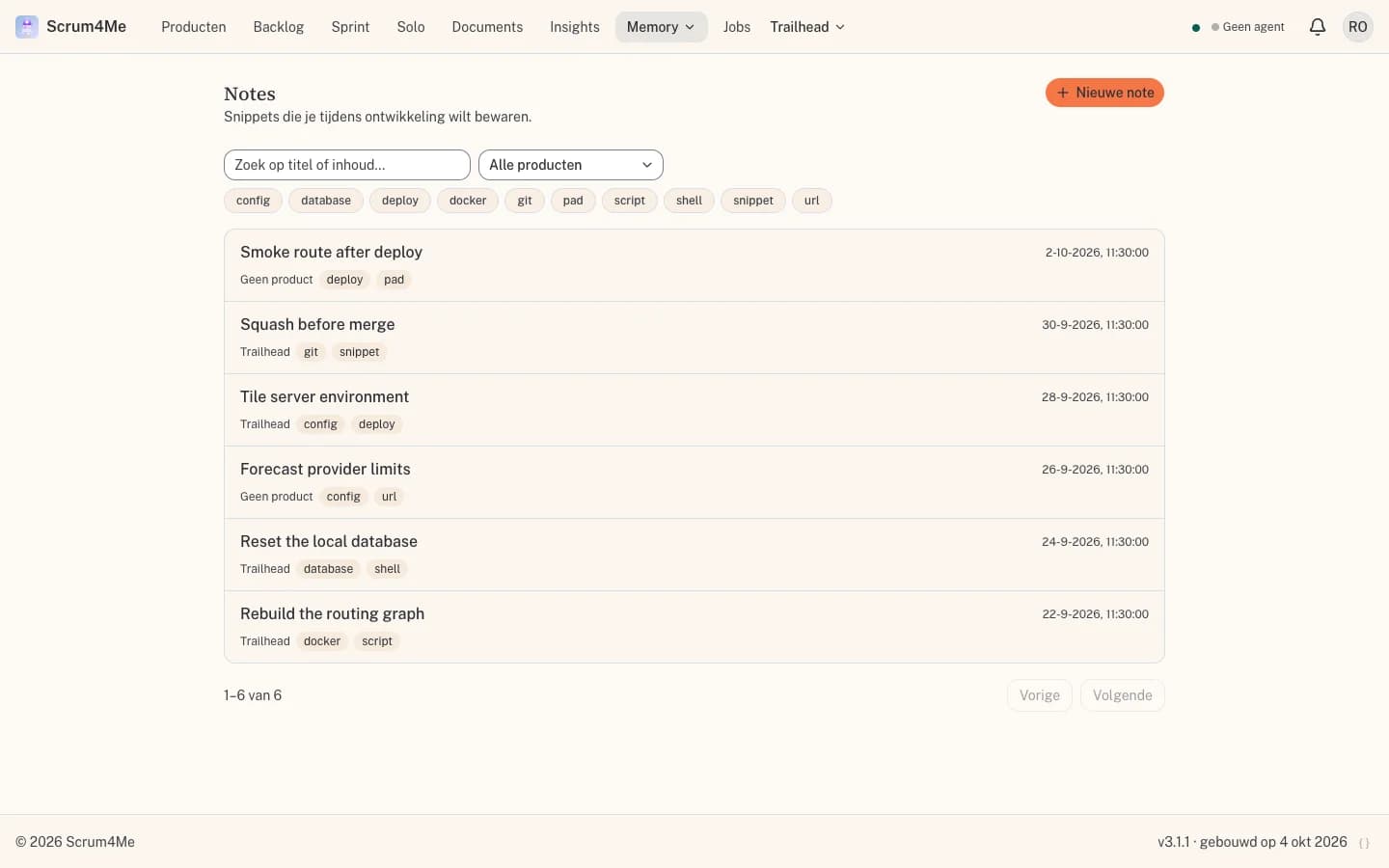
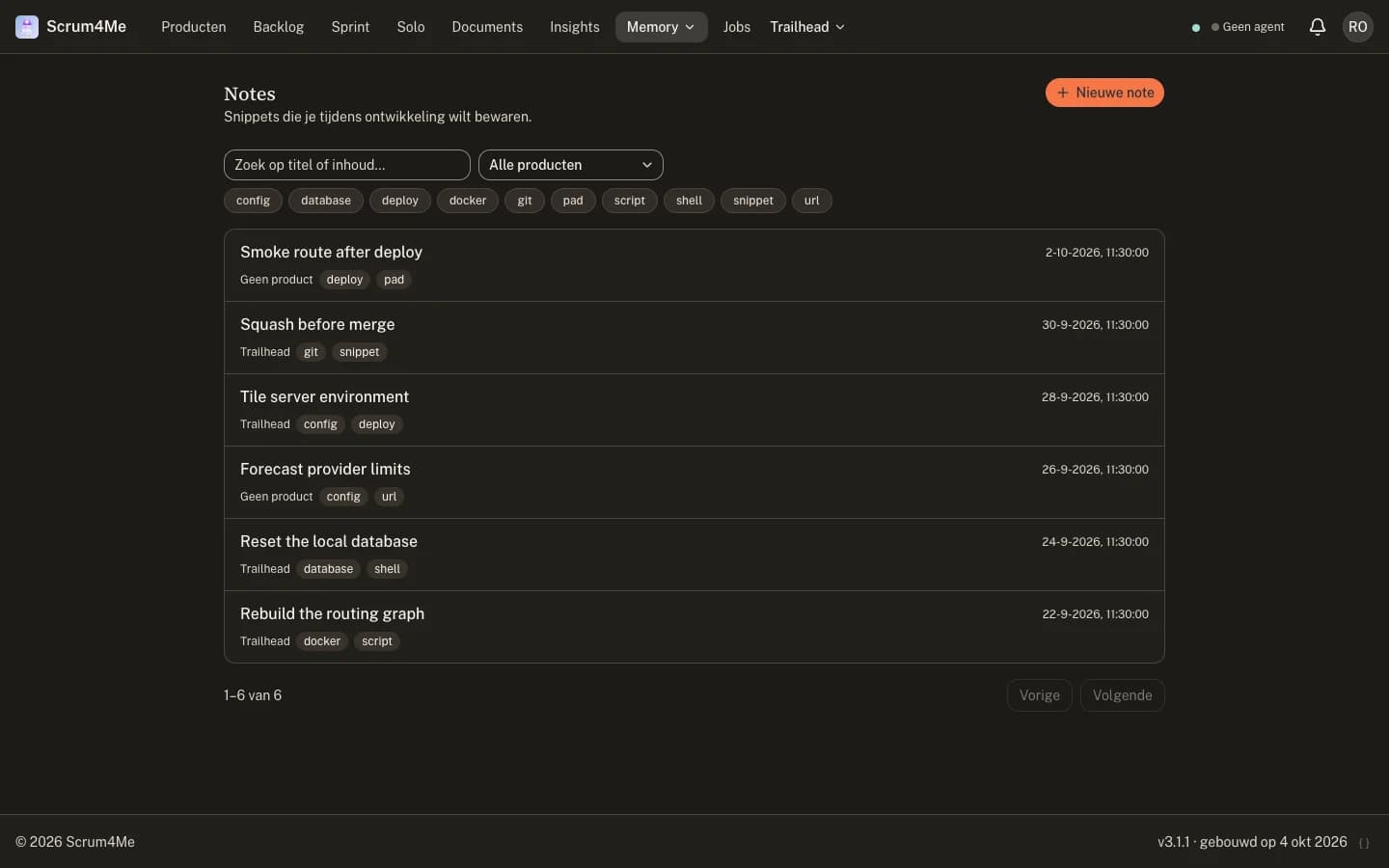
Notes
Snippets and working context you want to keep, searchable by keyword.
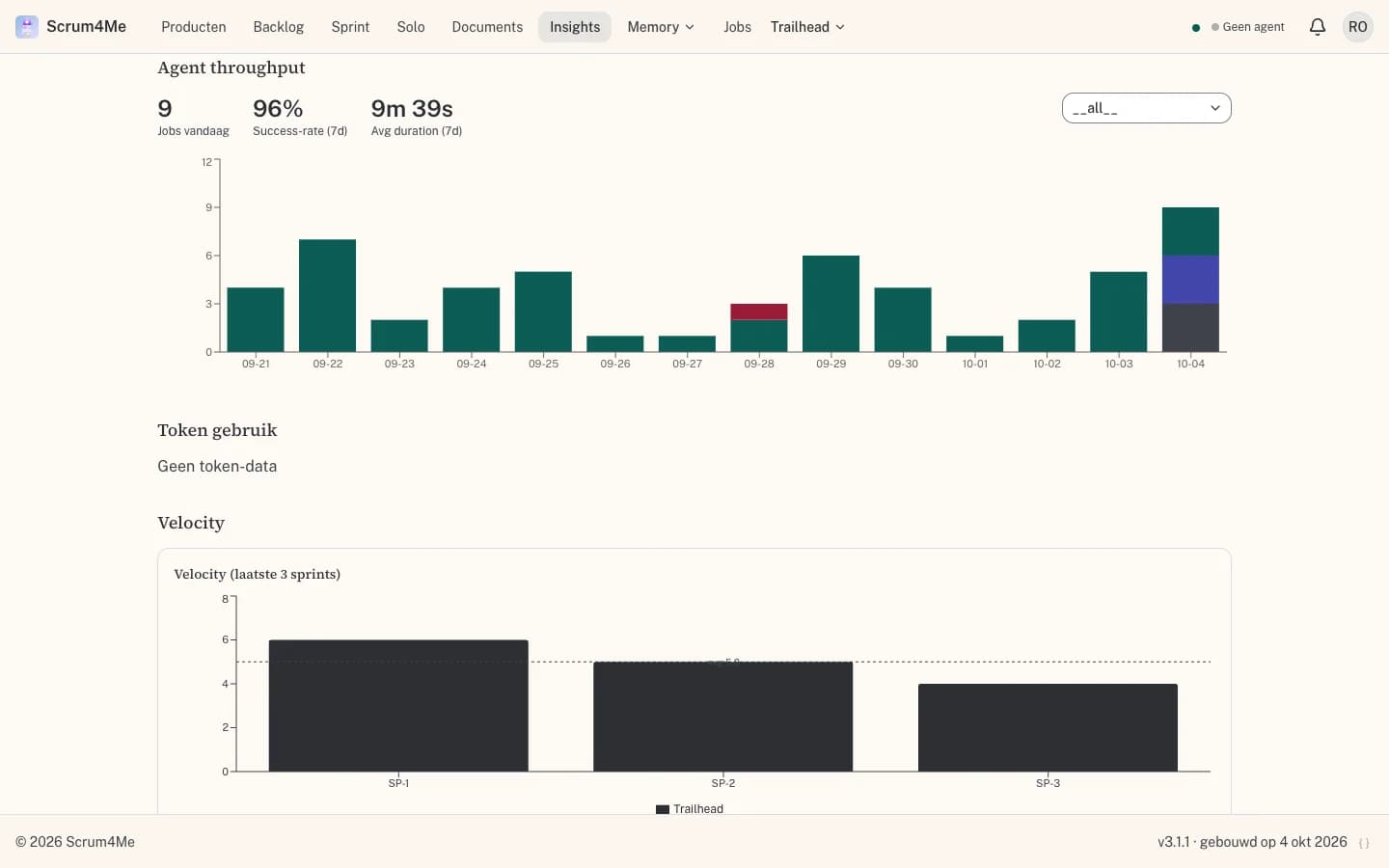
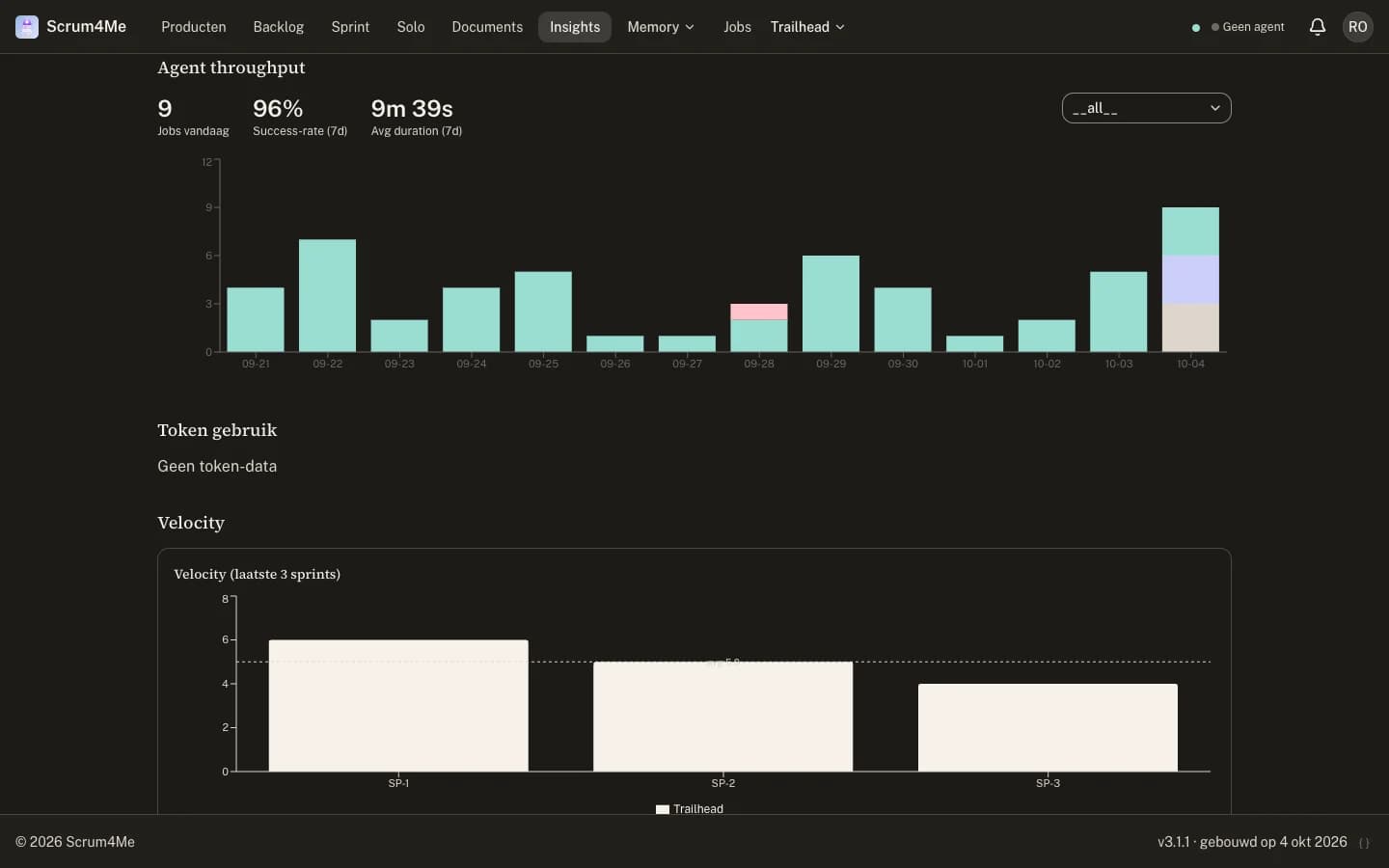
Insights
Sprint health, agent throughput, token use and backlog health.
How it is built
Planning app, worker console, tool server and runner are separate parts around one Postgres database. Code stays in your own git environment.


- Next.js 16, React 19, TypeScript and Tailwind CSS v4
- PostgreSQL with Prisma; realtime through LISTEN/NOTIFY and SSE
- MCP server and Docker runner for Claude Code; SwiftUI for iPhone and Watch
Documentation
Reference material for working with Scrum4Me yourself. Open what you need.
Quickstart - runner or local MCP development
The normal route uses the headless Docker runner. For local tool development you can connect the MCP server directly to Claude Code.
Path A - normal runner
- Create an implementation token in scrum4me-workers.jp-visser.nl/api-tokens.
- Put the token, Claude OAuth token and git credentials in the runner env.
- Start scrum4me-docker on a NAS, server or laptop.
- Check the heartbeat in scrum4me-workers.jp-visser.nl/workers.
- Click "Execute" in Scrum4Me.
Path B - local MCP development
git clone https://git.jp-visser.nl/janpeter/scrum4me-mcp.git
cd scrum4me-mcp && npm install

# Add it to the Claude Code config
# and use the Scrum4Me MCP tools directly.
Useful for tool development, product-doc retrieval and local inspection. The production runner remains the recommended route for real job execution.
Prefer to skip MCP? Use the REST API with a Bearer token for scripts, CI pipelines and controlled integrations.
Where do you manage what?
Scrum in Scrum4Me
Scrum4Me applies a lightweight version of Scrum: the essentials without ceremony overhead. This is how the core terms map to the app.
Hierarchy
Terminology
Roles
In v1, one account equals one user with all roles. Team usage with role separation follows in v2.
User guide
Follow these steps to go from an empty account to a fully planned Sprint.
REST API for controlled integrations
All API endpoints require an Authorization: Bearer <token> header. You manage implementation tokens in scrum4me-workers.jp-visser.nl/api-tokens.
# Fetch the next story from the active Sprint
              curl -H "Authorization: Bearer $TOKEN" \
https://<your-instance>/api/products/<product-id>/next-story/api/productsList active products/api/products/:id/next-storyHighest-priority open story from the active Sprint/api/sprints/:id/tasks?limit=10First N Sprint tasks in order/api/stories/:id/tasks/reorderChange task order (body: { task_ids: string[] })/api/stories/:id/logRecord activity: implementation plan, test result or commit/api/tasks/:idUpdate task status or implementation plan